
Copilot, Zoom AI Companion and Gemini are now part of the meeting itself. They transcribe, summarize, assign action items and answer "what did I miss" for the person who walked in late. Every one of those features depends on the room feeding them a clean signal. This guide covers what an AI-ready conference room actually needs, in the order that matters.
What makes a conference room AI-ready?
An AI-ready conference room gives the meeting platform three things it cannot get on its own: clean audio for every seat, a camera that can tell who is speaking, and a certified room system with the license tier that unlocks the AI features. Get those right and the software does the rest. Skip any one and the AI features degrade or switch off.
The order is deliberate. Audio first, because every AI feature starts with speech-to-text. Video second, because speaker identification and framing need a camera that sees faces. Platform and licensing third, because the hardware only matters if the subscription lets the room use it.
Why does audio matter most for AI meetings?
Transcription, summaries, action items and speaker attribution are all built on speech-to-text. If the microphone picks up HVAC rumble, keyboard clatter or three people talking over each other, the transcript carries those errors into every downstream feature. Microsoft and Zoom both treat audio quality as the gate: no clean audio, no useful AI output.
The fix is the same as it has always been for good conferencing, with a higher bar:
- Mic coverage for every seat. A single table puck in a 12-person room leaves the far seats quiet. Ceiling array microphones such as the Shure MXA920 use steerable lobes to cover a whole room, and the array reports which lobe is active, which helps the platform tell speakers apart. Our comparison of ceiling mics vs table mics walks through when each makes sense.
- DSP with echo cancellation, noise reduction and automatic gain. Processing such as Shure IntelliMix cleans the signal before it leaves the room. AI noise suppression on the platform side helps, but it cannot recover speech the room already lost.
- Room acoustics. Hard walls, glass and bare floors add reverb that no DSP fully removes. Acoustic panels are the cheapest upgrade in this list and often the most noticeable.
- Audio coverage standards. AVIXA publishes standards for audio coverage uniformity and conferencing audio that give you a measurable target rather than a guess.
What camera features do Copilot and AI Companion rely on?
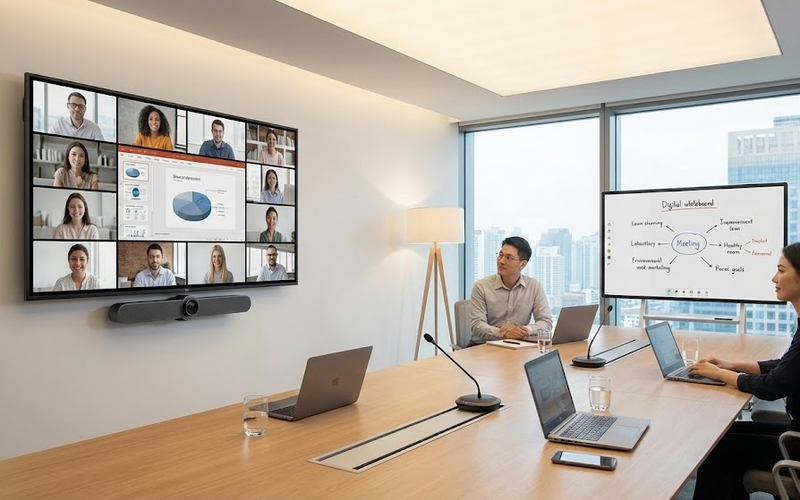
Speaker identification, intelligent framing and "who said what" attribution all depend on the camera seeing faces clearly. The platform matches a face and a voice to a name, and then builds the transcript around that. A wide-angle webcam at the end of a long table cannot do this for the people at the far end.
What to look for:
- Auto-framing and speaker tracking. Video bars such as the Logitech Rally Bar and Poly Studio X52 use on-device AI to frame the group, zoom to the active speaker and keep remote participants looking at faces instead of an empty table.
- Multi-camera support for larger rooms. Microsoft lists multi-camera support, panoramic room view and people counting as Teams Rooms Pro features, so the camera layout and the license have to be planned together.
- Placement at eye level, near the display. The camera should sit where people naturally look. Mounting it above a tall display or in a corner breaks eye contact and makes face recognition less reliable.
- A content camera for whiteboards. If the team still uses a physical whiteboard, a dedicated content camera lets the platform capture it and include it in the summary.
For rooms over about 20 feet long, a single bar is usually not enough. That is where a separate PTZ camera or a second bar comes in, and where the licensing question below becomes important.
Do you need Teams Rooms Pro or Zoom Rooms for AI features?
For Microsoft, yes, the license tier decides what the room can do. Microsoft's own Teams Rooms licensing page splits intelligent audio and video features between Basic and Pro. Speaker identification, multi-camera support, panoramic room view, AI noise suppression and people counting are all Pro-only. Basic covers joining, sharing and whiteboarding, and an organization can hold at most 25 Basic licenses before the rest must be Pro.
For Zoom, AI features are turned on by account owners and admins in the Zoom web portal, at the account, group or user level, and some features are metered against AI credits, according to Zoom's AI feature documentation. A Zoom Room needs to be enrolled and enabled like any other user before AI Companion features show up in the room.
For Google, Meet hardware is sold as a certified lineup and the Gemini features follow the Workspace subscription attached to the room, per Google's Meet hardware page.
Three practical consequences:
- Budget the room license as part of the AV project, not as an IT line item that gets sorted later. A Pro license is cheap next to the hardware it unlocks.
- Pick the platform before you pick the hardware. Certified devices are platform-specific, and switching later usually means new hardware.
- If you run more than one platform, Teams Rooms supports Direct Guest Join for Zoom and Webex meetings, but the AI features only run on the native platform.
What certified hardware does an AI-ready room need?
Certification is the shortcut. Microsoft maintains a list of certified Teams Rooms systems and peripherals, and Zoom and Google do the same for their platforms. A certified system has been tested for audio, video and reliability with that platform, which is exactly the signal quality the AI features depend on.
A typical AI-ready room, from small to large:
- Huddle room (2 to 6 people). One certified video bar with built-in mics, speaker and auto-framing camera, a touch controller, and one display. The bar's own audio is usually enough at this size.
- Mid-size room (6 to 12 people). A certified compute unit or bar, a ceiling array mic or two table arrays, a DSP, a dedicated speaker system and a dual-display setup.
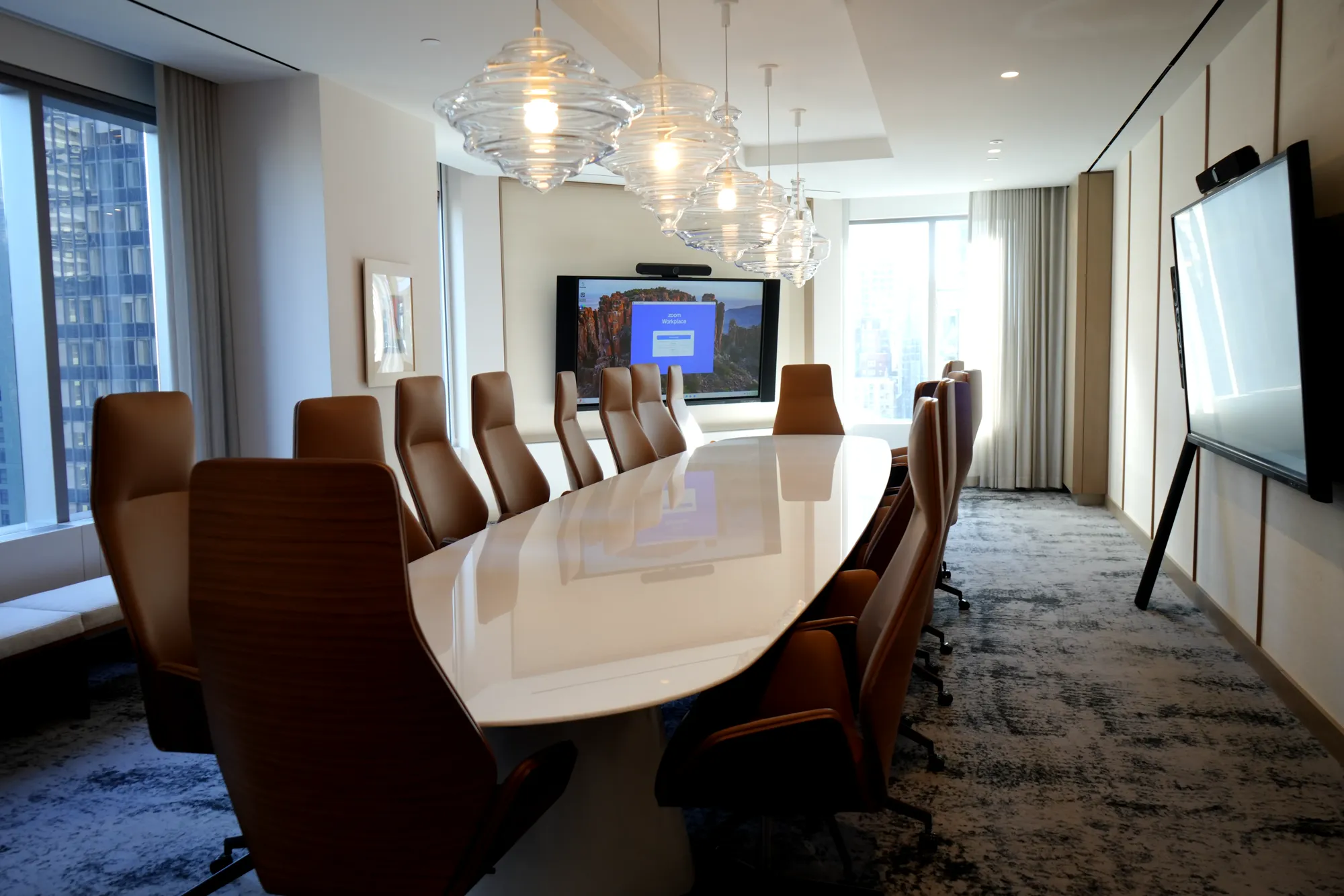
- Boardroom or training room (12 and up). Multiple ceiling arrays, a DSP, distributed ceiling speakers, two or more cameras and a Pro-tier license to drive multi-camera and speaker identification. Our 3 Times Square project in New York is an example of this tier, with certified video bars and tablet room control across the floor.
Whatever the size, the room also needs a wired network drop, a dedicated VLAN for AV devices, and enough power at the rack. AI processing happens partly on the device and partly in the cloud, so a flaky Wi-Fi link shows up as dropped words in the transcript.
How do you make an existing conference room AI-ready?
Most rooms do not need a rebuild. They need the gaps closed in the right order. Start with the platform and license, then fix audio, then fix video, then standardize control so people can actually use it.
- Confirm the platform and license. Check which license each room has. A Teams Room on Basic will never show speaker identification no matter what you plug into it.
- Audit the audio. Walk the room while someone on a call listens. If any seat drops out, add coverage or replace the mic. Add DSP if there is none.
- Upgrade the camera. Replace fixed webcams with an auto-framing bar or PTZ camera at eye level. Add a second camera for long rooms.
- Standardize control. One touch panel, one join button, the same layout in every room. AI features that nobody can find do not get used.
- Document and monitor. Record what is in each room and put the devices under remote management. Microsoft's Pro tier includes peripheral health alerts, which catch a dead mic before the meeting does.
If you want the audit done for you, our conference room AV service covers design, installation and licensing for Teams, Zoom and Meet rooms, for businesses across the US and from our South Florida base.
Frequently asked questions
What is an AI-ready conference room?
An AI-ready conference room is a meeting space equipped so that platform AI features such as Copilot, Zoom AI Companion and Gemini work reliably. That means full-room microphone coverage with DSP, an auto-framing camera that can identify speakers, a certified room system, and the license tier that enables intelligent audio and video features.
Does Copilot work in any Teams Room?
Copilot features that depend on the room, such as speaker identification and multi-camera views, require a Teams Rooms Pro license and certified hardware. A Basic-licensed room can join meetings and share content, but Microsoft lists the intelligent audio and video features as Pro-only, so the room itself will not contribute speaker attribution to the transcript.
Do I need new microphones for AI transcription?
Only if the current ones leave seats uncovered or produce noisy audio. Transcription accuracy follows audio quality, so a room with a single table puck and no DSP usually does need an upgrade. A room that already has ceiling arrays and echo cancellation often needs nothing more than a license and a camera check.
Can Zoom AI Companion run in a Zoom Room?
Yes. Zoom AI features are enabled by account owners or admins in the Zoom web portal and apply to meetings the room joins. Zoom also offers a Voice Recorder feature that creates summaries for in-person meetings using a Zoom Room. Some features are metered against AI credits, so check the account's plan before rolling it out.
How much does it cost to make a conference room AI-ready?
It depends on what the room already has. A huddle room with one certified video bar and a display is the low end. A mid-size room with ceiling mics, DSP, dual displays and a bar costs more, and a boardroom with multiple cameras and arrays is the top tier. Our guide to conference room AV installation cost breaks the ranges down.
Does the room need a wired network connection?
Yes. Certified room systems process some AI features on the device and some in the cloud, and both depend on a stable link. A wired drop on a dedicated AV VLAN is standard practice.
Can one room support Teams, Zoom and Google Meet with AI?
A room runs natively on one platform. Teams Rooms can join Zoom and Webex meetings through Direct Guest Join, and the other platforms offer similar interop, but the AI features only run on the native platform. If the company lives in Teams, build a Teams Room and use interop for the occasional Zoom call.
What should a small business do first?
Pick the platform the team already uses, assign the right license to the room, and fix audio. Those three steps get most of the AI value for the least money. Camera and control upgrades come next. If you are unsure where a room stands, contact us for a room audit and a written plan.