
What technical equipment is needed for a conference room?
The conference room AV equipment every meeting room needs comes down to six things: a display, a camera, microphones, speakers, a way to share and control content, and a wired network to tie it together. The exact model of each matters less than matching it to the room size and to how people really run their meetings.
- Display for slides, video calls and shared screens.
- Camera so remote people can see who is talking.
- Microphones that pick up every seat, not only the person closest to the laptop.
- Speakers loud and even enough that remote voices sound natural across the room.
- Content sharing and control, such as wireless casting, a touch panel and one-touch join for calls.
- Network and cabling, the part people forget until the call drops.
The rest of this guide covers each piece of conference room AV equipment, what to look for, and where rooms usually go wrong. If you want the room-by-room planning view first, start with our guide on how to choose the right AV conference room setup. If you already know you want a team to design and install it, see our conference room AV services.
How big should a conference room display be?
A conference room display should be sized from the farthest seat, not picked by habit. AVIXA, the audiovisual industry association, publishes a standard called DISCAS that calculates image size from the distance to the farthest viewer and from what people need to do with the content.
DISCAS separates two kinds of viewing. Basic decision making covers slides and video, where viewers need to follow the content. Analytical decision making covers spreadsheets, drawings and fine detail, where viewers need to read every character. Analytical rooms need a bigger image for the same seat distance.
In practice, small rooms do well with one large flat panel. Rooms used for both a call and shared content often need two displays: one for faces, one for content. For town halls and large training rooms, a direct-view LED wall can replace projectors and panels. DIST built a 59-foot LED video wall for Well & Durst in New York City for exactly this: one seamless canvas that reads from every seat during town halls and seminars.
Which camera works best for a conference room?
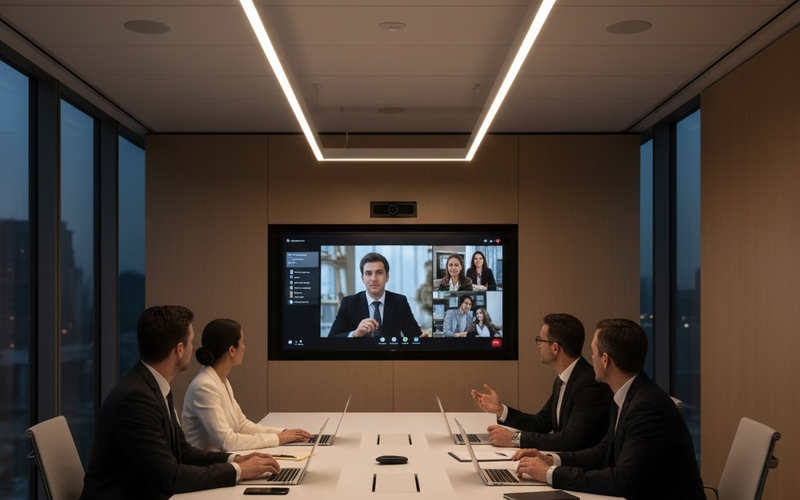
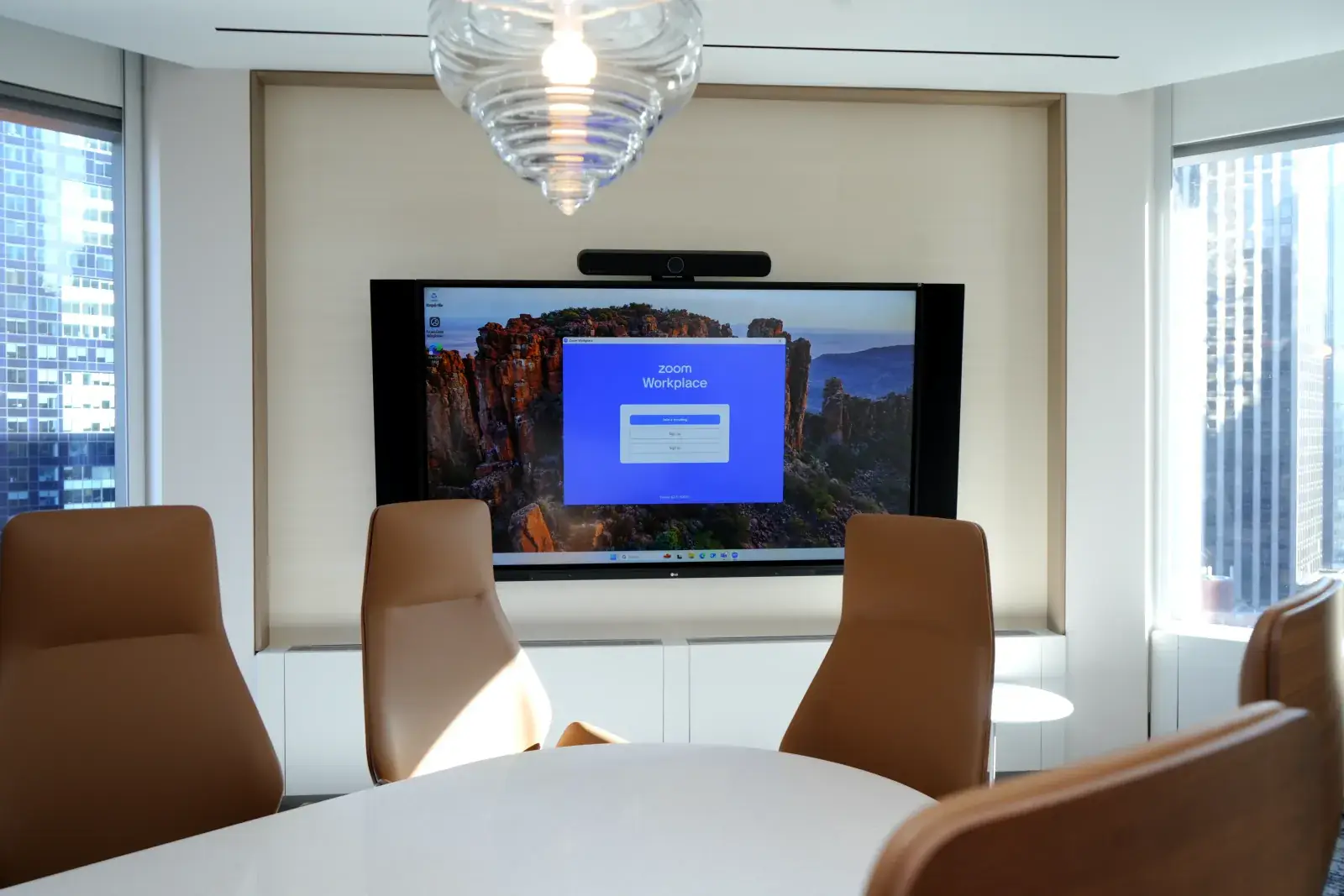
The best conference room camera is the one that frames everyone at the table without anyone leaning in. In small rooms that is usually a video bar with a wide lens mounted under the display. Larger rooms need a pan-tilt-zoom camera or several cameras that switch to whoever is speaking.
Two things decide whether a camera works in daily use. The first is placement: at eye level, centered on the table, below or above the main display. The second is platform support. Microsoft keeps a list of certified hardware for Teams Rooms, and buying from a list like that avoids devices that work on a laptop but fail in a room system.
Bigger rooms usually combine several of these pieces. At 3 Times Square in Manhattan, DIST paired AI-powered camera systems with Sony projectors, professional screens and high-fidelity speakers, all running on enterprise-grade network infrastructure built for the building.
What microphones should a conference room use?
A conference room should use microphones that cover every seat evenly. Table microphones work well when seating is fixed and the table is clear. Ceiling microphones work better when furniture moves, tables are long, or the room has to stay clean. Our comparison of ceiling mics vs table mics goes deeper.
Modern ceiling arrays use beamforming: many small microphone elements combine to form pickup zones that can be aimed at parts of the room. According to Shure, its MXA925 ceiling array covers a 30 by 30 foot area out of the box with its Automatic Coverage setting. Larger or oddly shaped rooms need more than one array, set up together so the system picks one clean signal.
Do conference rooms need separate speakers?
Small rooms usually don't. The speakers built into a good video bar are enough for two to six people. Larger rooms need separate ceiling or wall speakers so remote voices are clear at the far end of the table without being too loud at the near end.
Speakers and microphones also have to work together. Without echo cancellation, remote participants hear their own voice coming back a moment later. A digital signal processor (DSP) handles echo cancellation, noise reduction and levels for every microphone and speaker in the room. Our post on acoustic echo cancellation explains how it works.
How do people share content and control the room?
People should be able to share a screen and start a call in under a minute, without a cable hunt or a call to IT. That usually means three pieces of equipment working together.
- Wireless presentation, so anyone can share from a laptop or phone without plugging in.
- A touch panel or tablet on the table to join the scheduled meeting with one tap, switch sources and change volume.
- A room scheduling panel outside the door, so people can see if the room is free and book it on the spot.
Keep at least one wired input for guests whose devices won't connect wirelessly. Label it clearly. A room that only works for regular users is a room that fails during the meeting that matters most.
What network and cabling does conference room AV need?
Conference room AV needs a wired, stable network connection for every room system. Microsoft's guidance for Teams Rooms recommends planning for about 10 Mbps up and down per room and strongly recommends a wired connection rather than Wi-Fi for the room device.
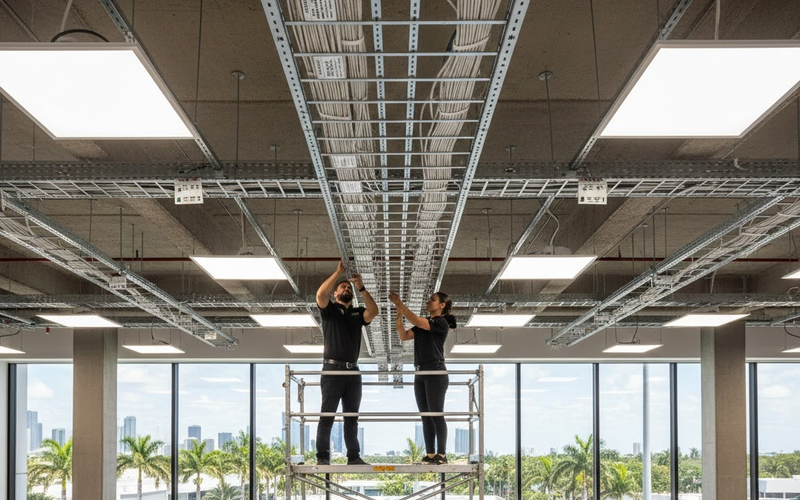
Behind the walls, the cabling plan matters as much as the equipment. Displays, cameras, ceiling microphones and touch panels each need power and data, often over the same network cable. Plan the runs, the network switch ports and the rack before the ceiling closes. Fixing cabling after the fact is usually the most expensive mistake in a conference room project.
What's the best equipment for a modern conference room?
The best equipment for a modern conference room is the set that fits its size and use, and that your meeting platform supports. These are the must-have starting points DIST uses when planning rooms.
- Huddle rooms (2 to 4 people): one display, an all-in-one video bar with camera, microphones and speakers, plus wireless sharing.
- Mid-sized conference rooms (6 to 12 people): one or two displays, a video bar or separate camera, table or ceiling microphones, a DSP and a touch panel.
- Boardrooms (12 to 20 or more people): dual displays, multi-camera or speaker-tracking video, ceiling microphone arrays, separate speakers and a full control system.
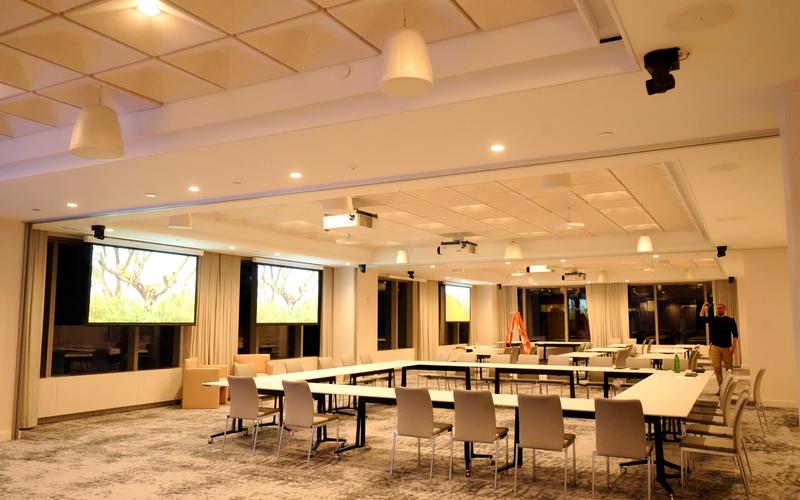
- Town hall and training rooms: a large-format display or LED wall, several cameras, wide microphone coverage and a sound system designed for the space.
Every room also needs someone to keep it working. Firmware updates, account changes and the occasional failed cable are normal. Plan support from day one, not after the first failed board meeting. If you're planning a new room or fixing one that keeps failing, talk to DIST about a site visit.
Frequently asked questions
What is the most important piece of conference room AV equipment?
Audio is the most important piece. People tolerate a soft image, but they leave a call when they can't hear. Spend first on microphones that cover every seat and on echo cancellation. A modest display with clear sound beats a large display with muddy, echoing audio every time, especially for remote participants.
How much does conference room AV cost?
Cost depends on room size, how many displays and microphones you need, and how much cabling and control work the space requires. A huddle room with one video bar costs far less than a boardroom with ceiling arrays and multiple cameras. Our conference room AV installation cost guide breaks down the ranges.
Can I use consumer equipment in a conference room?
You can, but it often costs more over time. Consumer webcams and speakerphones are built for one person at a desk, not a group at a table. They usually lack room-level management and certification for platforms like Microsoft Teams Rooms, so failures surface in the middle of meetings rather than in testing.
How do you smoothly implement AV gear in a mid-sized conference room?
Start with a survey of the room: seating, sightlines, ceiling type, power and network drops. Choose equipment from your meeting platform's certified list, plan cabling before finishes close, then commission and tune audio with the room furnished. Training the people who book the room is the last step, and the one most often skipped.
How many microphones does a conference room need?
It depends on the room size and seating, not the number of people. One ceiling array can cover a typical medium room, while long boardrooms may need two or more working as one system. Table microphones are usually placed so every seat is close to one. A coverage plan settles the count.
Is Wi-Fi good enough for conference room video calls?
For the room system itself, a wired connection is the safer choice. Microsoft strongly recommends a wired connection for Teams Rooms devices. Wi-Fi still matters for guests and wireless screen sharing, but the device running the call should be on a cable so a busy wireless network doesn't freeze the meeting.
How do you maintain video conference room equipment?
Keep firmware and room software current, check that cameras and microphones still cover every seat after furniture moves, and test a call before important meetings. Managed room systems report problems remotely, so many failures get fixed before anyone walks in. A support plan with clear response times keeps rooms reliable.
Do I need a separate computer in the conference room?
Not always. Many video bars and room systems run Teams or Zoom on their own, with no separate computer. Larger rooms with several cameras, displays and microphones often use a dedicated small room computer. Either way, the room should start calls from the table panel, not from someone's laptop.