
Industry
Corporate
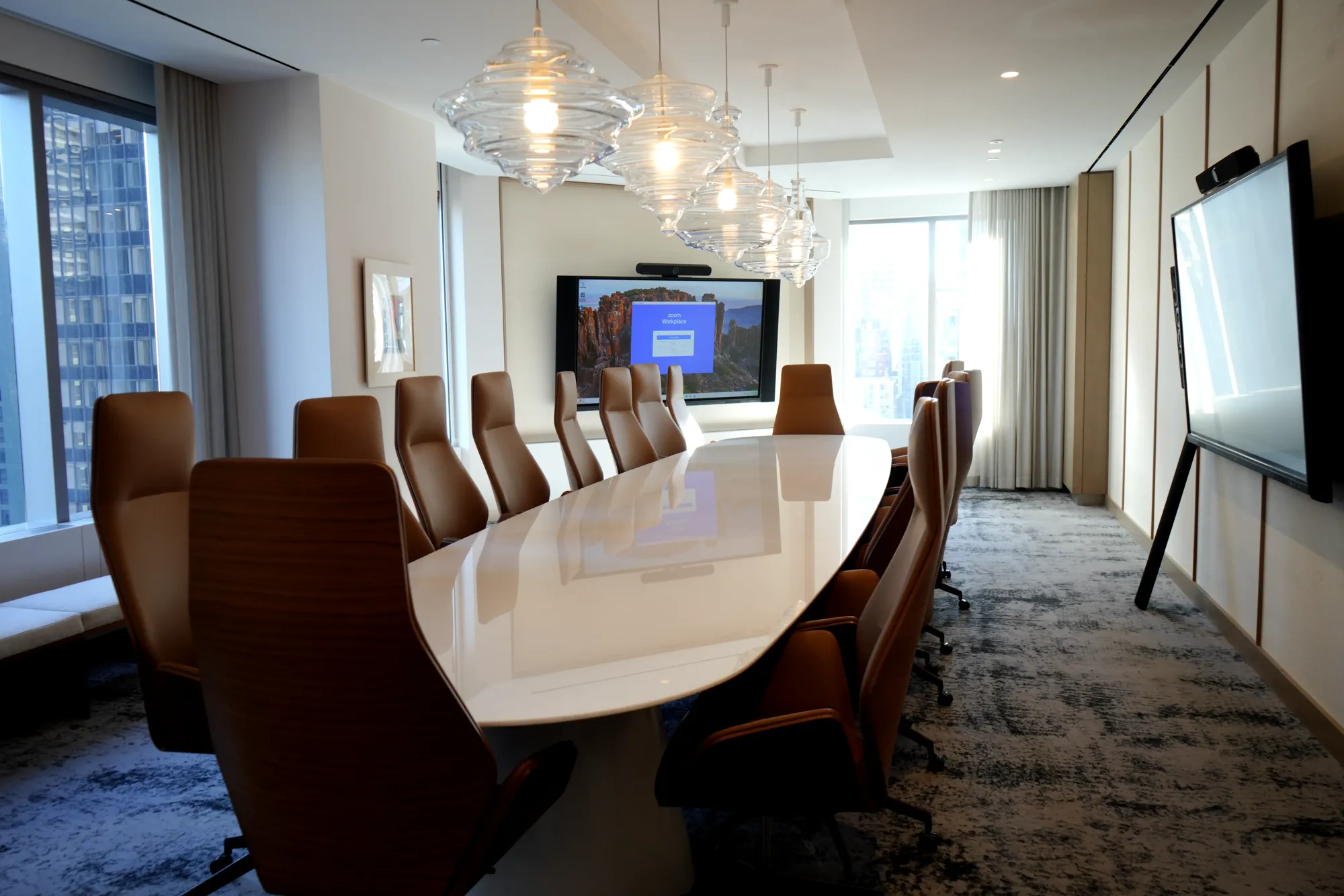
One room standard rolled out to every floor of a Midtown or FiDi lease, so every meeting starts the same way, wherever your team sits.
Talk to us about your corporate projectMicrosoft Teams, Zoom, Webex and Google Meet rooms with AI cameras, ceiling microphones and one-touch join for offices across Manhattan, Brooklyn, Queens, the Bronx and Staten Island. Designed, installed and supported by DIST's New York team.





Room count, sizes, the building, the platform you use and what is not working today are enough to start. We come back with next steps and a room survey if needed.

“We solve AV and IT challenges with passion, speed & integrity. Happy to sit on a call to discuss your AV and IT needs.”
Camera, microphones, displays and control designed together for the room, so remote attendees get the same meeting as the people at the table.
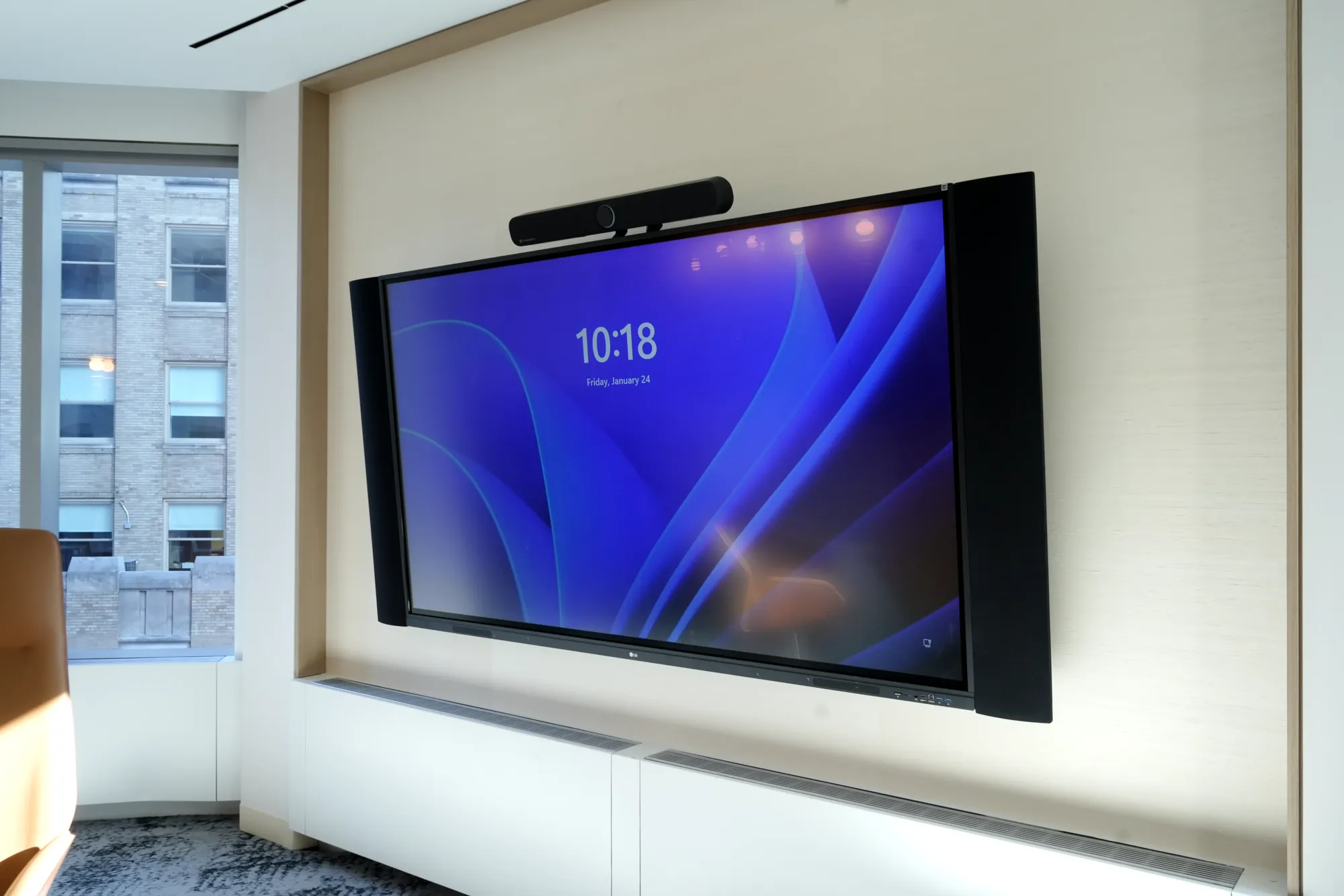
All-in-one video bars, a single display and wireless sharing, so a four-person room joins a call in one tap and costs little to repeat across a Manhattan floor plate.
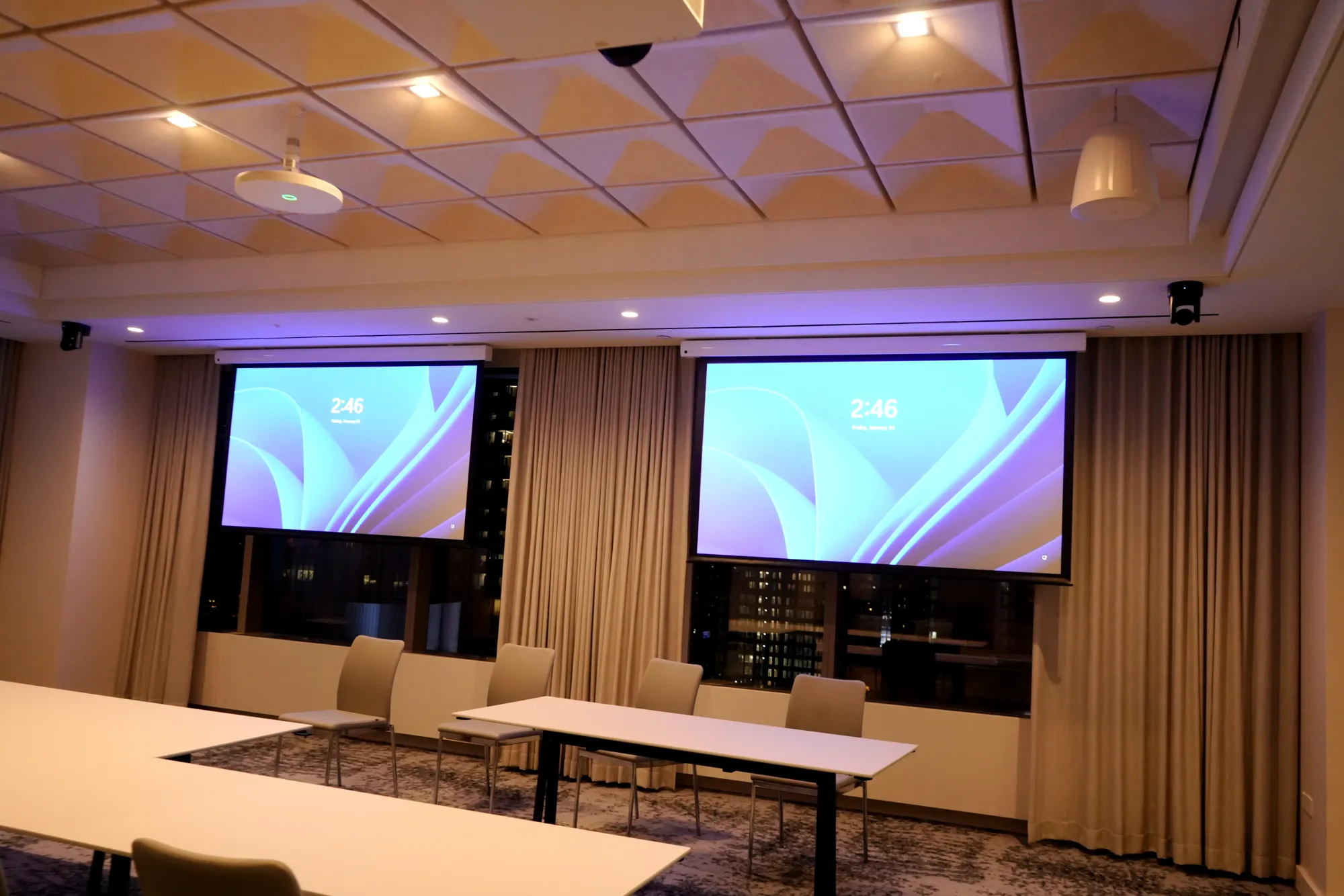
Multi-camera speaker tracking, beamforming mics and DSP tuned to the room, so remote attendees see and hear whoever is talking.
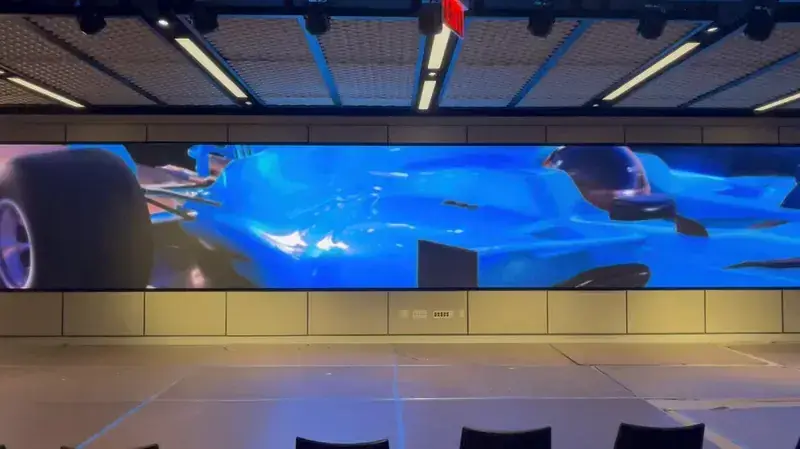
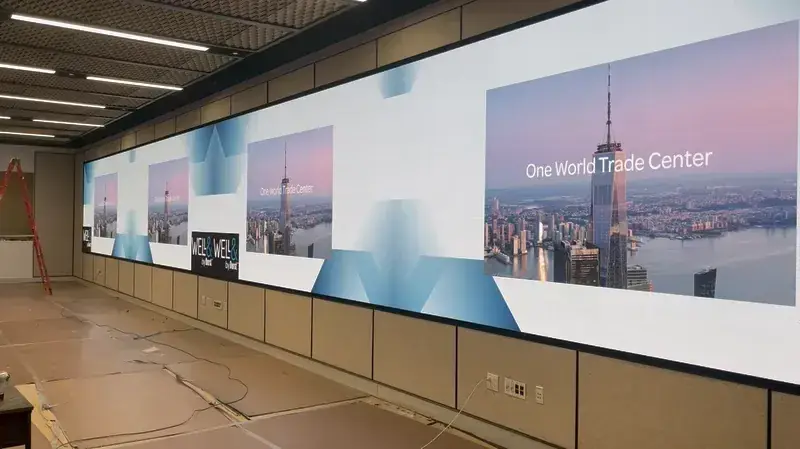
LED walls, broadcast-style cameras and audio reinforcement for company meetings that are in the room and on the stream at once, like our wall at Well & Durst.
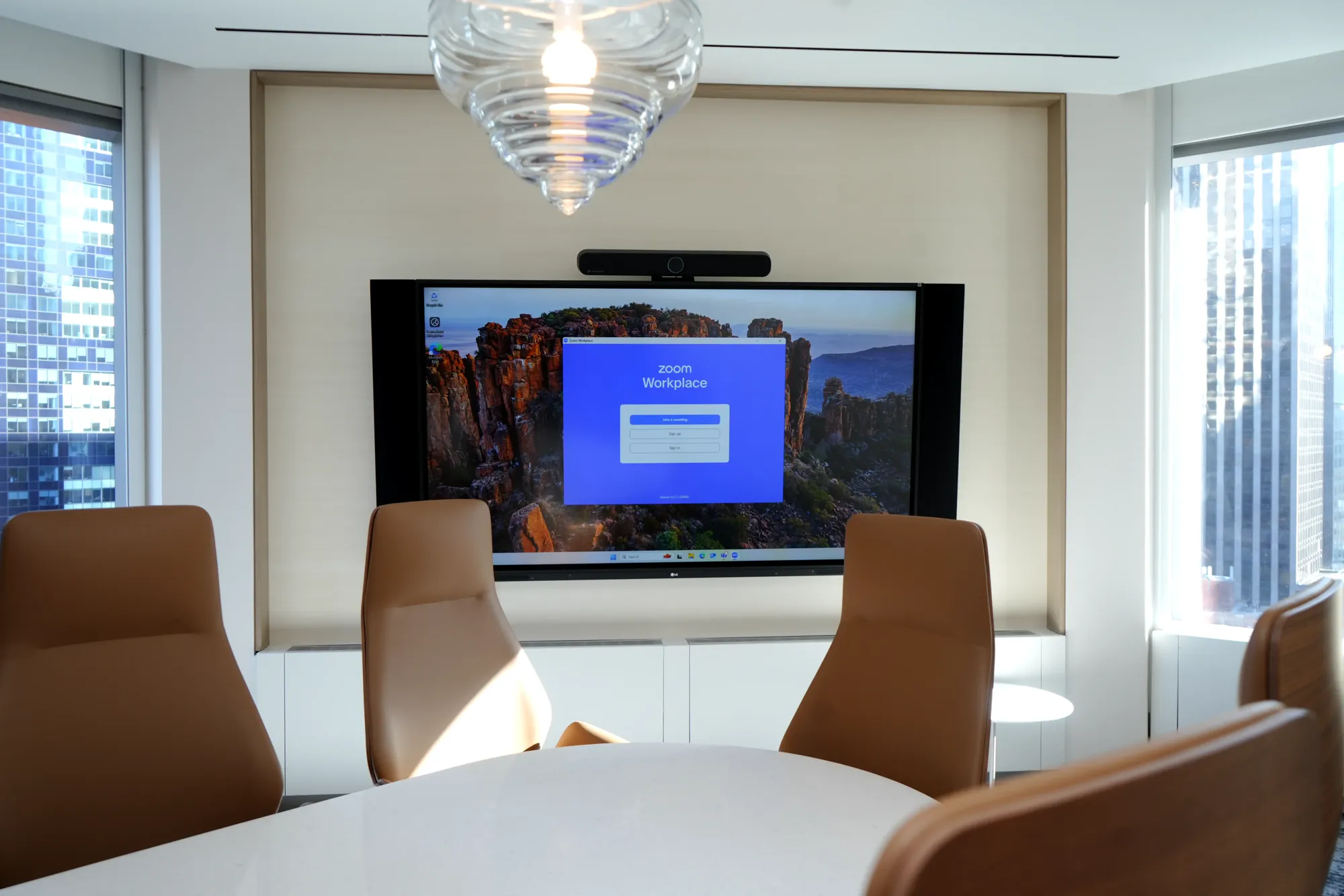
Dual displays, AI framing cameras and ceiling microphone arrays that pick up every seat at the table, without a mic in front of anyone.
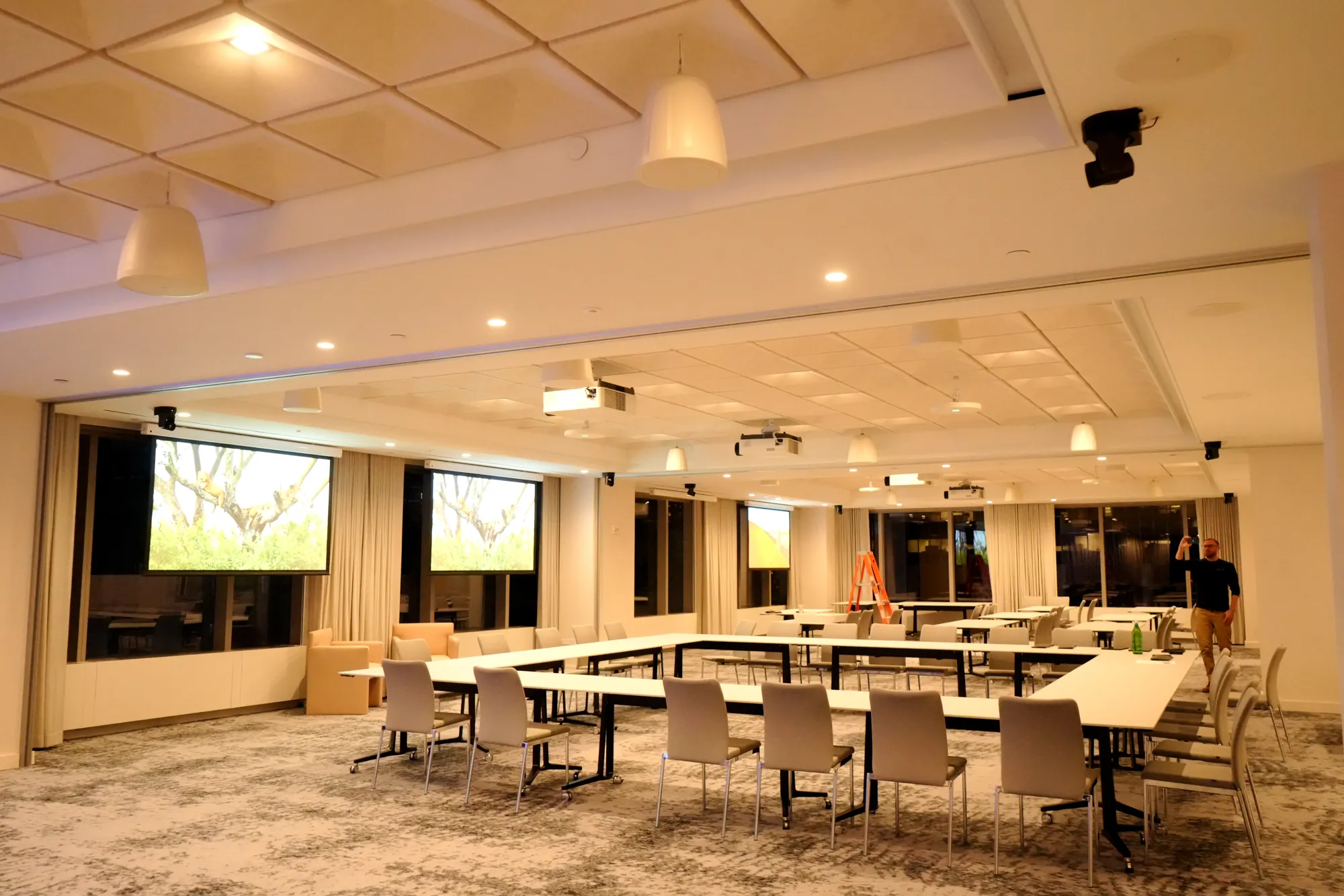
Projection, voice lift and room combining that switches one large space into two or three rooms from a single preset.
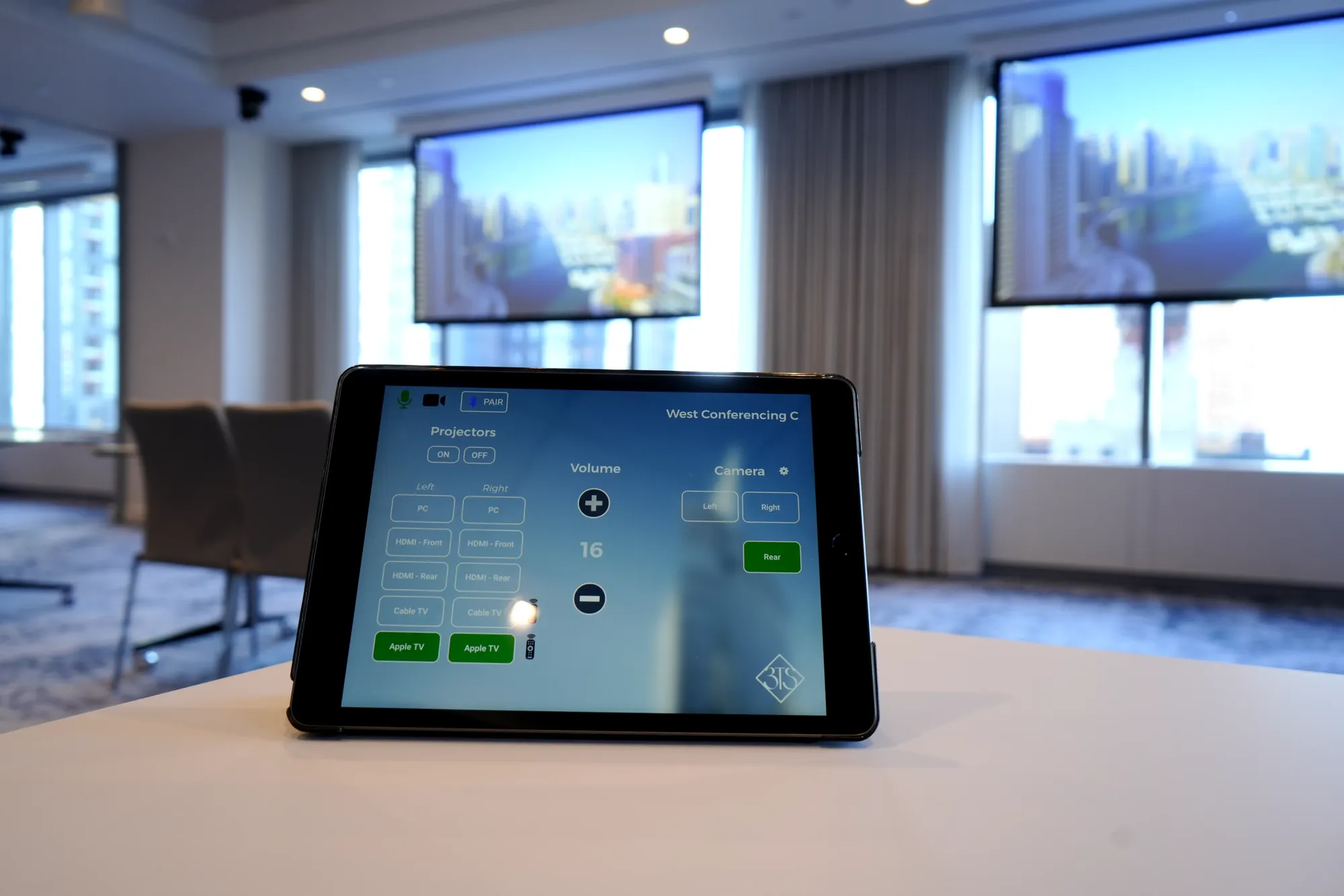
Touch panels, scheduling displays and Crestron or Q-SYS control so lights, shades, displays and the call start together.
We install certified hardware for the platform your IT team already uses.
Certified Teams Rooms on Windows and Android, with console, front-of-room display and proximity join.
Zoom Rooms appliances and controllers, with scheduling panels and digital whiteboard where you need them.
Webex Room and Board devices, registered to your Control Hub and managed centrally.
Google Meet hardware for Workspace teams, with calendar-linked rooms and one-touch join.
“Our conference room setup is such a game changer thanks to [DIST]. The AI camera and mic make meetings feel effortless.”See the project
Meeting rooms designed for how New York businesses actually meet.
One room standard rolled out to every floor of a Midtown or FiDi lease, so every meeting starts the same way, wherever your team sits.
Talk to us about your corporate projectOne huddle room or every room in the building, the sequence is the same, and every step accounts for how New York buildings actually operate.
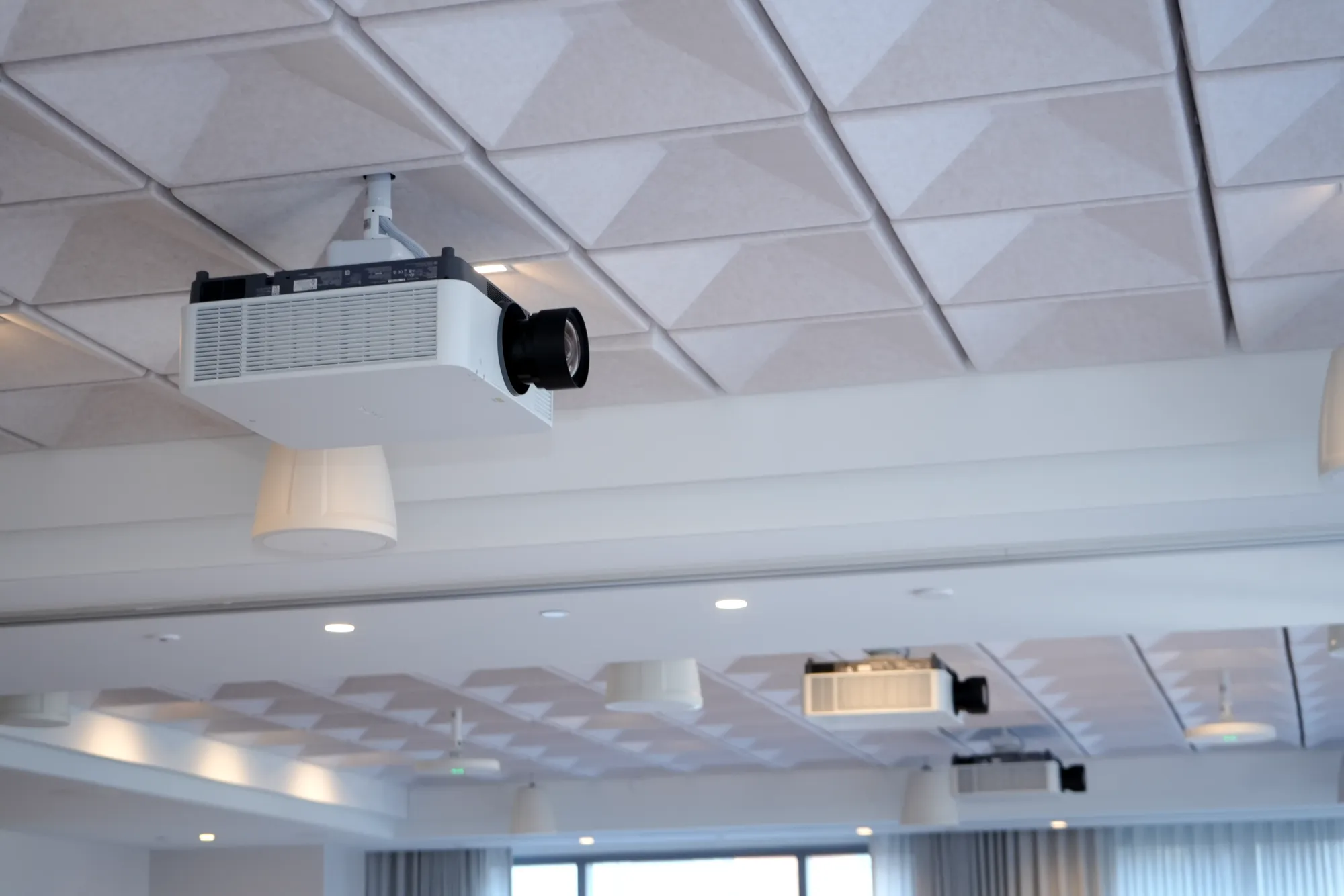
We measure the room, check sightlines, acoustics, ceiling type, power and network, and confirm riser access and freight elevator rules with the building engineer.
Equipment list, drawings and signal flow, built as a standard you can repeat across huddle, conference and boardroom sizes and packaged for landlord review.
Devices are configured, registered to your platform and programmed before they reach Manhattan, so on-site hours stay short.
Displays, cameras, mics and cabling installed cleanly, nights and weekends in occupied towers, phased floor by floor.
Microphones and speakers tuned to the room, test calls from every seat and every platform you use.
Your team learns the room in ten minutes, then our 24/7 help desk, remote monitoring and SoHo-based engineers take it from there.
DIST monitors enrolled meeting rooms remotely, keeps a help desk answering 24/7 and sends engineers from our SoHo office when a fix cannot be made remotely.
Have a meeting room in New York that never works right? Send us a photo and we will tell you what is wrong.
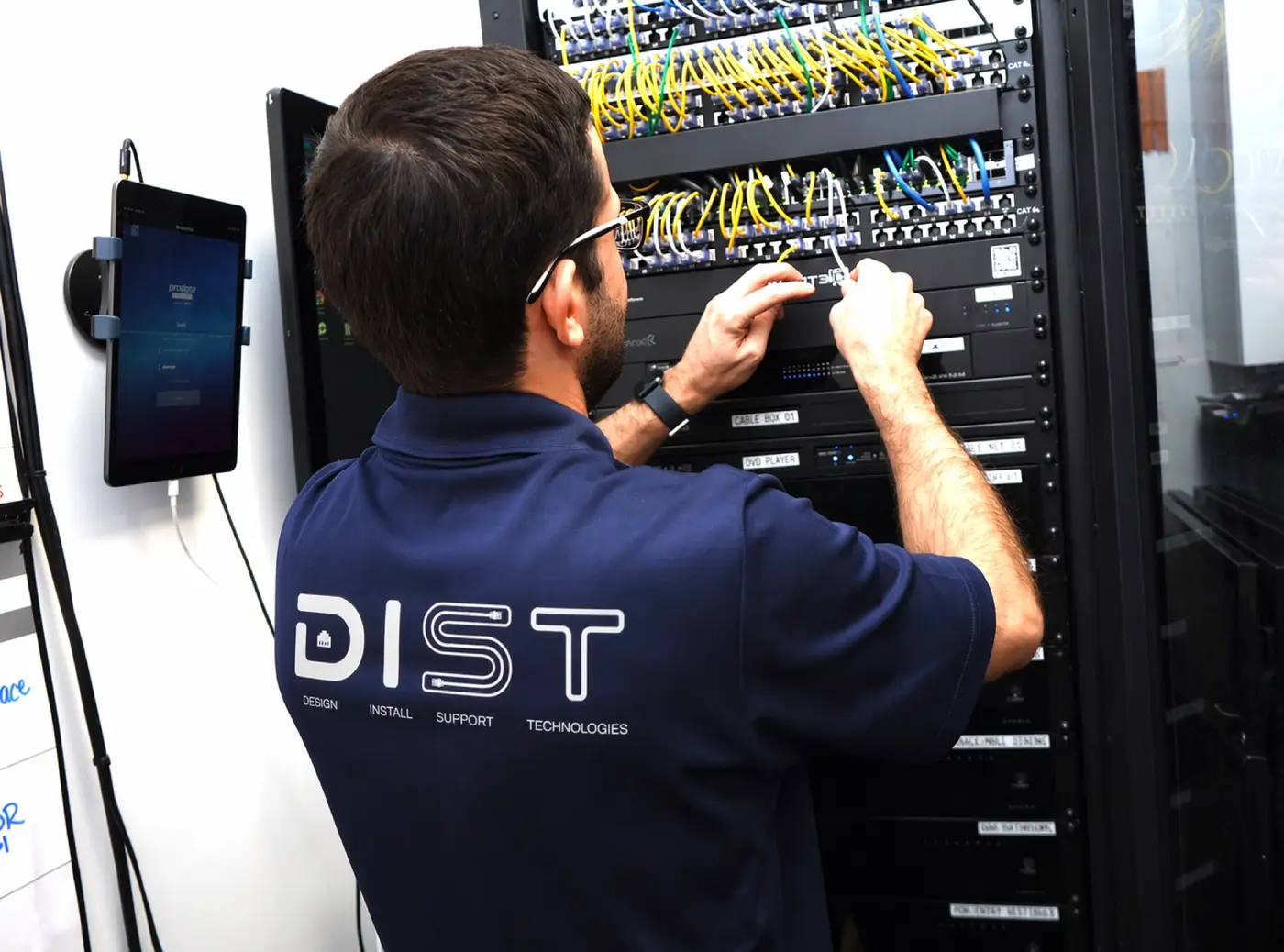
Conference room technology with AI cameras, projection and enterprise network infrastructure.
A 59-foot LED video wall for town halls and seminars.
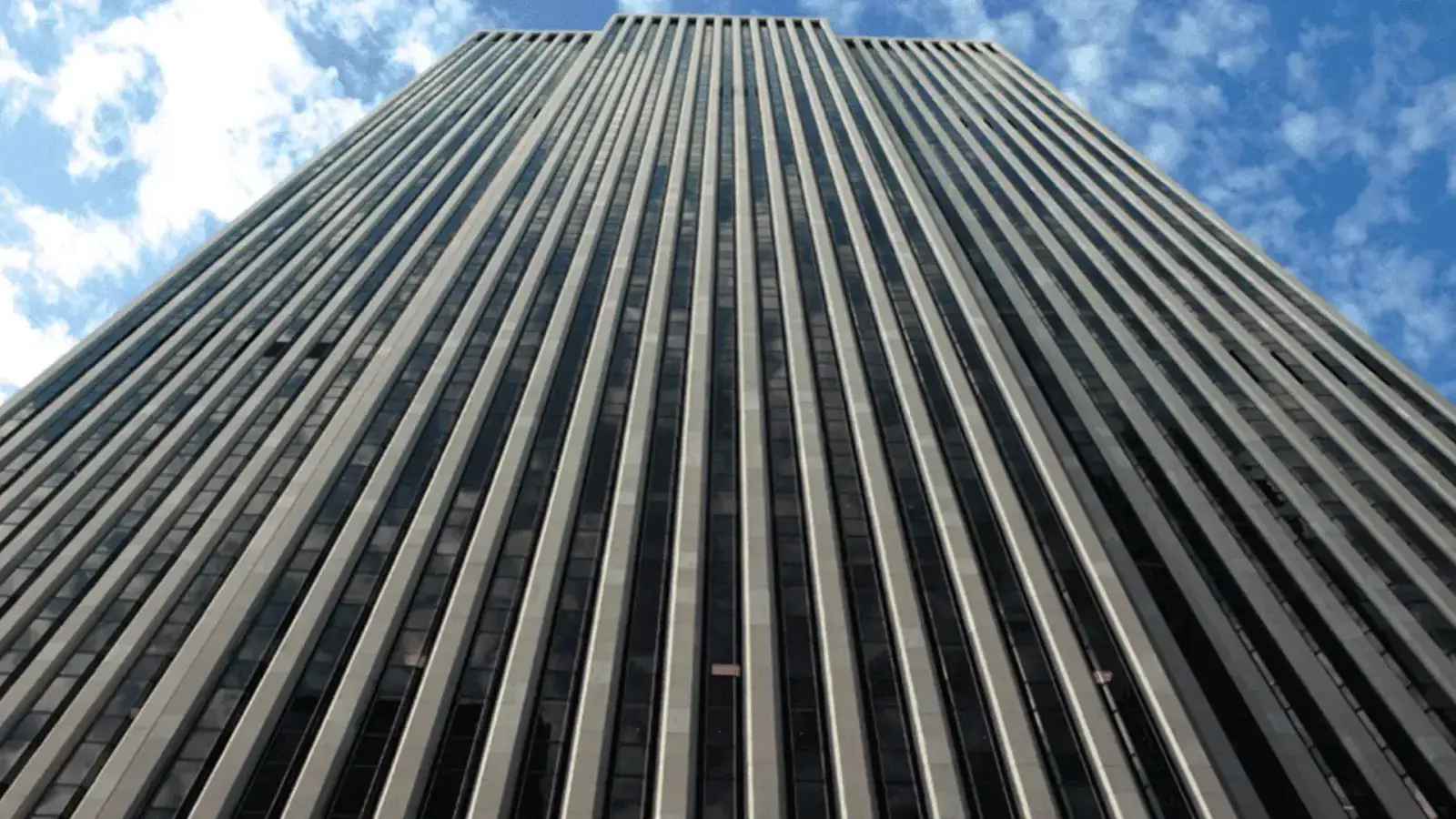
AV consulting for an 18,381 sq ft amenity renovation.
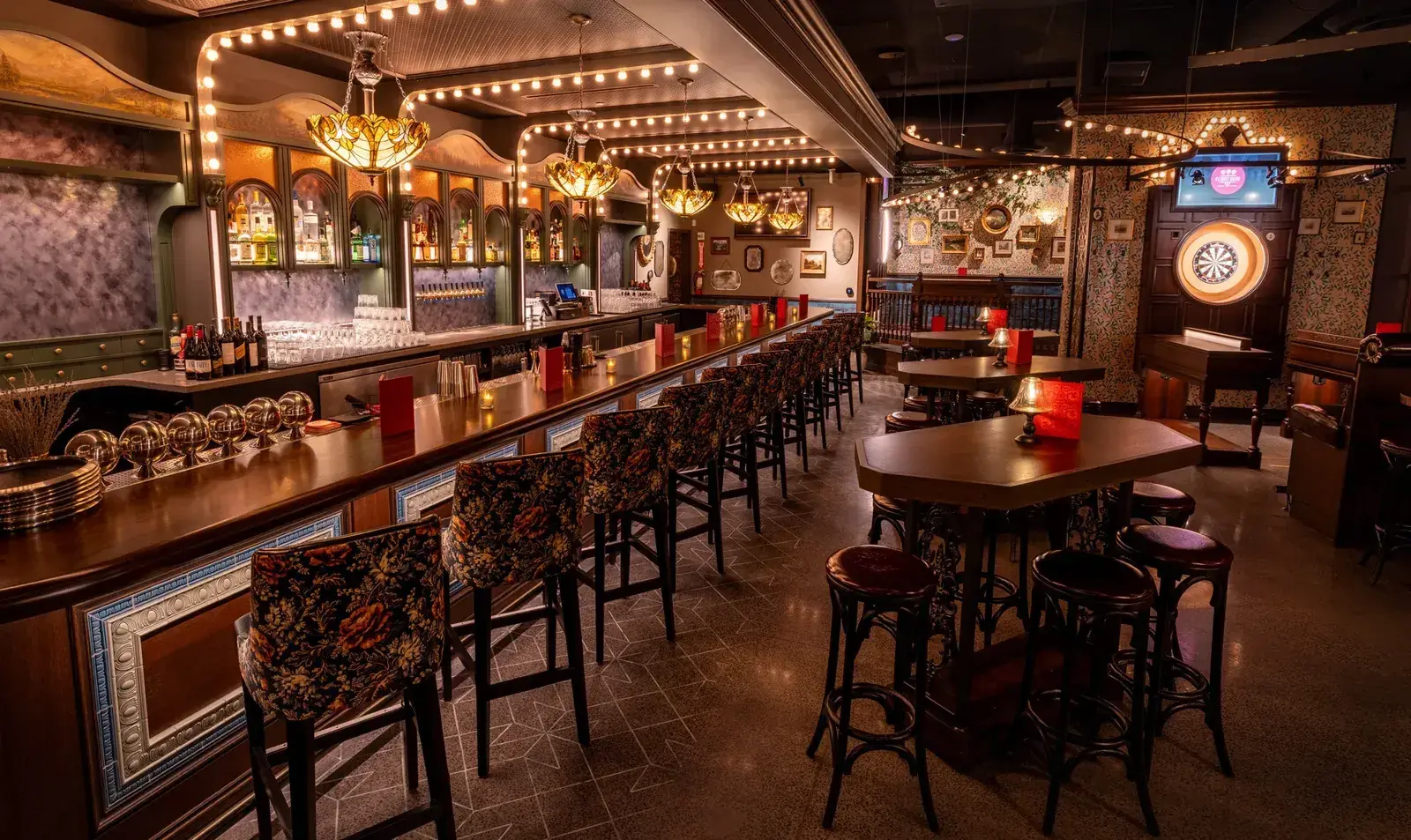
AV, cameras, custom score tracking, control and network infrastructure.
“That massive 59-foot LED wall [DIST] put in has transformed how we run town halls and seminars.”
Ready for meeting rooms like these in your building?
Certified hardware from the platforms and manufacturers IT teams trust.
 Microsoft Teams
 Logitech
 Zoom
Zoom Neat
Neat Google Meet



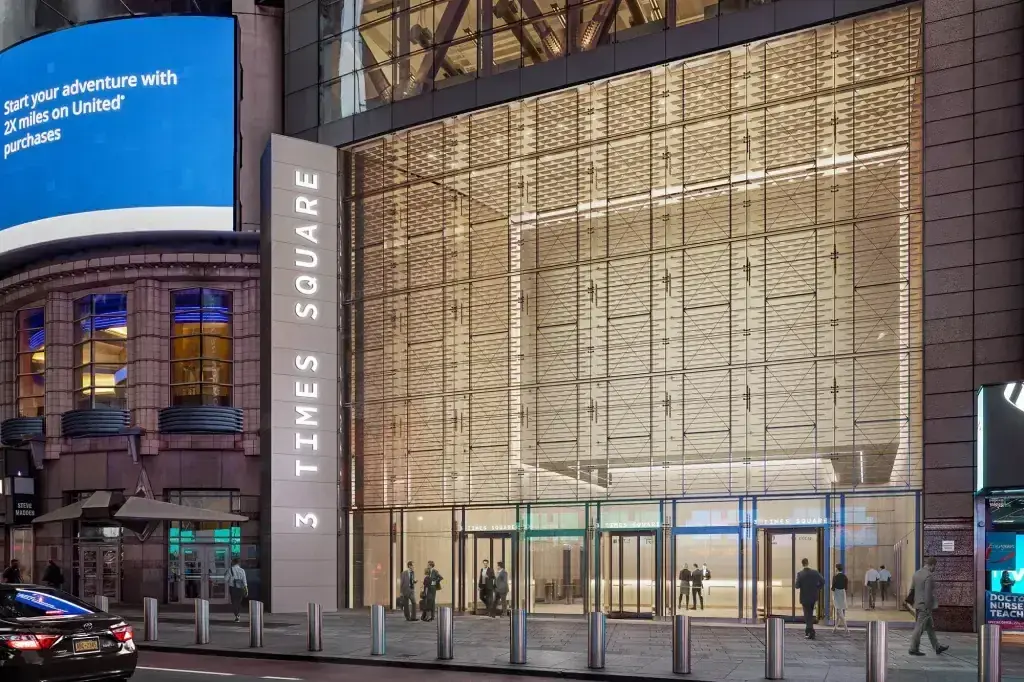
Class A towers where meeting rooms need to be identical on every floor, like our conference room work at 3 Times Square.
Boardrooms, showroom meeting spaces and amenity conference centers, from the General Motors Building to boutique offices.
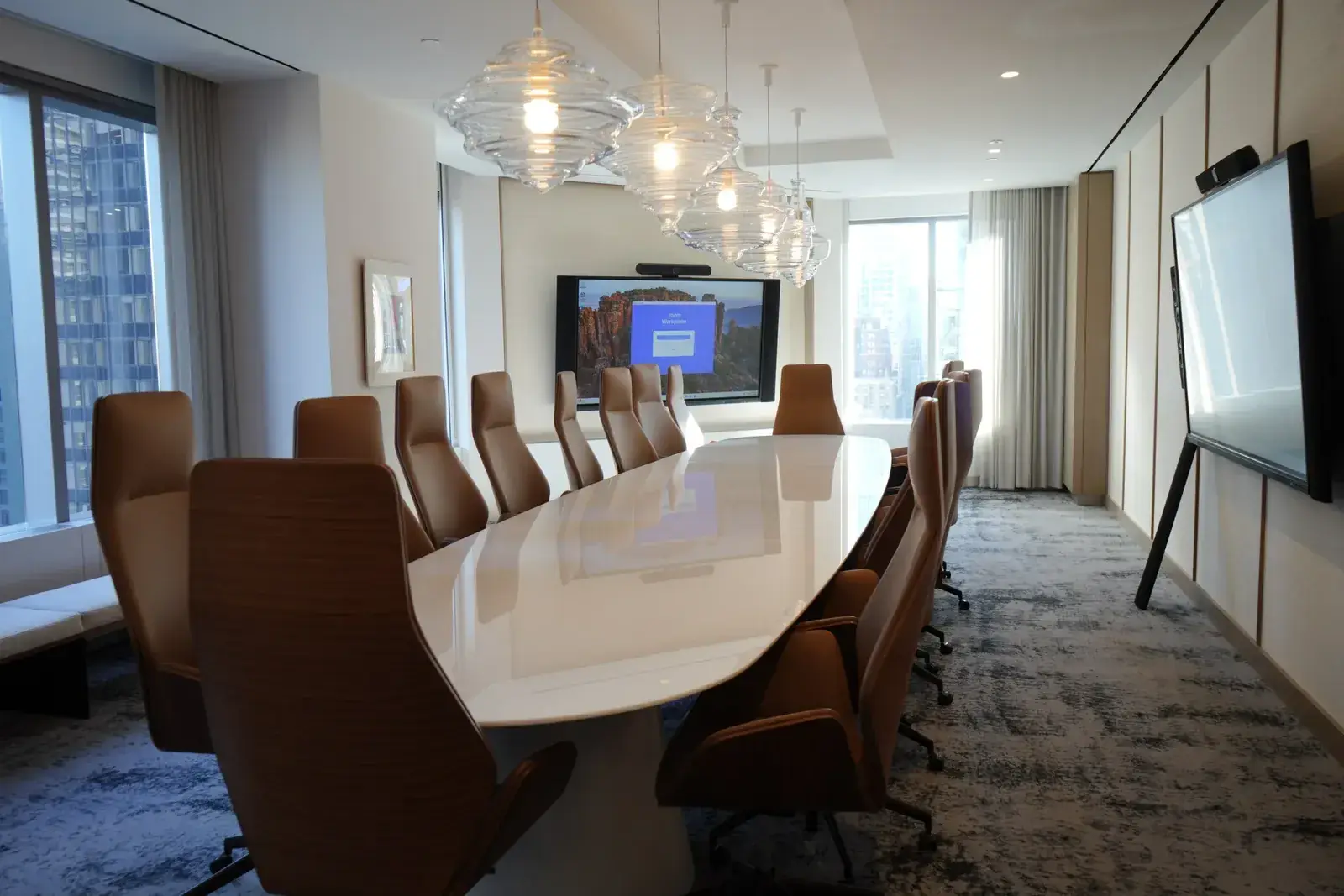
Boardrooms and client suites in older towers where ceiling space for mics and cameras takes extra planning.
Creative offices and co-working floors that need meeting rooms to match the design, not fight it.
Cost, timelines, platforms and building logistics, answered.
It depends on the room size, the platform and how much cabling and construction the room needs. A huddle room with a video bar is a very different budget from a boardroom with ceiling microphones and dual displays. After a room survey we send a fixed, itemized proposal so you can compare options line by line.
Once equipment is on site, a single room is usually installed, tuned and tested in one to three days. Multi-room rollouts are scheduled floor by floor around your office and building access windows.
Yes. Most of our New York work is in occupied towers. We stage and program equipment off site, book freight elevators ahead of time, and schedule disruptive work for nights and weekends so your teams can keep working.
Yes. We issue COIs naming the landlord and managing agent, submit drawings and scopes for building approval, and coordinate with the base-building engineer on ceiling access, power and cabling.
Yes. We install certified Teams Rooms and Zoom Rooms hardware, as well as Cisco Webex and Google Meet devices, and register them to your tenant so IT can manage them centrally.
Yes. We design a room standard for each room size, then roll it out the same way on every floor and in every office, so people get the same experience wherever they book a room.
Usually it is the room, not the platform: hard surfaces, mics too far from people, or speakers and mics fighting each other. We measure the room, place ceiling or table mics correctly and tune the DSP so remote attendees hear every seat.
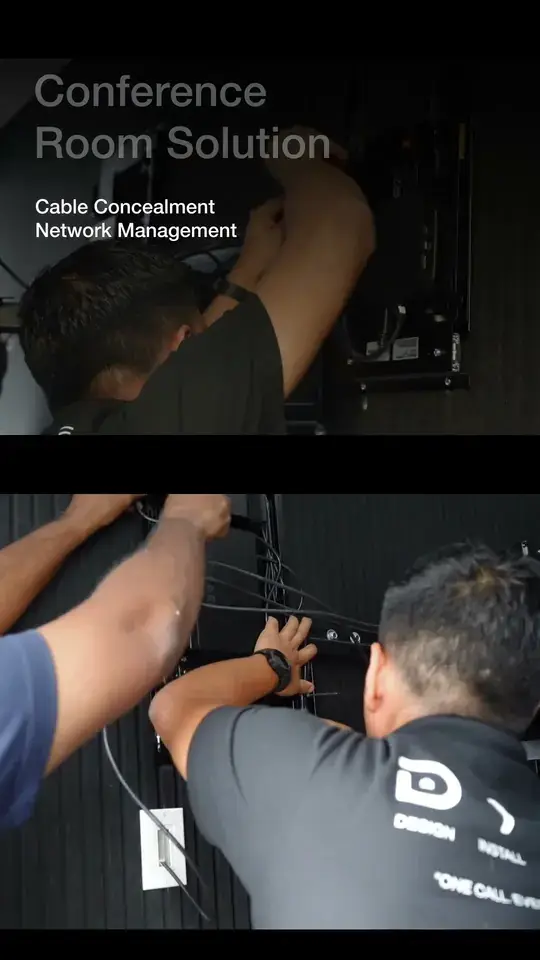
Sometimes. Ceiling microphones, speakers and concealed cabling often need ceiling access, and we coordinate that with your contractor and the building. Many huddle rooms can be done with surface-mounted cabling and a video bar.
Often. We audit what you have, move what still works with your platform, and replace only what is holding the room back.
Yes. Our help desk answers 24/7, enrolled rooms are monitored remotely, and engineers from our SoHo office handle on-site service. We also support rooms other integrators installed.
All five boroughs, including Midtown, Hudson Yards, the Financial District, SoHo, Brooklyn and Long Island City, from our office on Mercer Street in SoHo.
Tell us the address, how many rooms, what sizes and which platform. A DIST engineer will survey the space, then come back with a design, a schedule and a number.