DIST — Design, Installation, Support, Technology
Home
Services
Audiovisual & CollaborationConference Room AVVideo SystemsAudio SystemsControl & Automation
Managed IT & CloudManaged IT ServicesMicrosoft 365Cloud Solutions
Physical SecurityCCTV & SurveillanceAccess Control
Infrastructure & DeploymentLow-Voltage CablingNationwide Truck Rollouts
Projects
Locations
New York CityMiami
Resources
BlogInsights & industry updatesPress & MediaNews coverage & features
AboutContact
(212) 206-0794
DIST

Design, Installation, Support and Technology — integrated AV, IT and security solutions for businesses.

Audiovisual

  • Conference Room AV
  • Video Systems
  • Audio Systems
  • Control & Automation

IT & Security

  • Managed IT Services
  • Microsoft 365
  • Cloud Solutions
  • CCTV & Surveillance
  • Access Control

Company

  • About
  • Projects
  • Contact
  • Client information
  • Vendor information

Contact

  • (212) 206-0794
  • [email protected]
  • Mon–Fri 8:00 AM – 5:00 PM
  • 24/7 Help Desk Support
Ask AI about DISTGet an independent summary of who we are and what we do.
  • ChatGPT
  • Claude
  • Perplexity
  • Google AI
  • Grok
© 2026 DIST. All rights reserved.
  • Privacy Policy
  • Sitemap
Start a projectCall (212) 206-0794Email [email protected]
DIST — Design, Installation, Support, Technology
Home
Services
Audiovisual & CollaborationConference Room AVVideo SystemsAudio SystemsControl & Automation
Managed IT & CloudManaged IT ServicesMicrosoft 365Cloud Solutions
Physical SecurityCCTV & SurveillanceAccess Control
Infrastructure & DeploymentLow-Voltage CablingNationwide Truck Rollouts
Projects
Locations
New York CityMiami
Resources
BlogInsights & industry updatesPress & MediaNews coverage & features
AboutContact
(212) 206-0794
DIST

Design, Installation, Support and Technology — integrated AV, IT and security solutions for businesses.

Audiovisual

  • Conference Room AV
  • Video Systems
  • Audio Systems
  • Control & Automation

IT & Security

  • Managed IT Services
  • Microsoft 365
  • Cloud Solutions
  • CCTV & Surveillance
  • Access Control

Company

  • About
  • Projects
  • Contact
  • Client information
  • Vendor information

Contact

  • (212) 206-0794
  • [email protected]
  • Mon–Fri 8:00 AM – 5:00 PM
  • 24/7 Help Desk Support
Ask AI about DISTGet an independent summary of who we are and what we do.
  • ChatGPT
  • Claude
  • Perplexity
  • Google AI
  • Grok
© 2026 DIST. All rights reserved.
  • Privacy Policy
  • Sitemap
Start a projectCall (212) 206-0794Email [email protected]
Skip to content
DIST — Design, Installation, Support, Technology
Home
Services
Audiovisual & CollaborationConference Room AVVideo SystemsAudio SystemsControl & Automation
Managed IT & CloudManaged IT ServicesMicrosoft 365Cloud Solutions
Physical SecurityCCTV & SurveillanceAccess Control
Infrastructure & DeploymentLow-Voltage CablingNationwide Truck Rollouts
Projects
Locations
New York CityMiami
Resources
BlogInsights & industry updatesPress & MediaNews coverage & features
AboutContact
(212) 206-0794
Home/Blog/IT SOLUTIONS
IT SOLUTIONS

Why Small Offices Need UPS Systems More Than Ever

Bryant VasquezBryant VasquezChief Technology Officer at DISTPublished Dec 1, 2025

Table of contents

  • What a UPS Does for Your Office?
  • Who Needs It Most?
  • Why UPS Is Often Overlooked?

Table of contents

  • What a UPS Does for Your Office?
  • Who Needs It Most?
  • Why UPS Is Often Overlooked?

Even a brief power interruption can shut down meetings, corrupt active files, or damage sensitive AV and IT equipment. A UPS system acts as a safety net, keeping essential systems running and protecting your office from sudden power instability.

What a UPS Does for Your Office?

A properly sized business UPS system ensures continuity during power issues while protecting expensive infrastructure. It keeps your network and conferencing tools stable while preventing sudden shutdowns that cause long term damage.

• Keeps your network and WiFi online during outages
• Protects computers and AV devices from power surges
• Prevents data loss during unexpected shutdowns
• Maintains internet uptime during video calls

When combined with proper DSP configuration, your conferencing audio and video remain stable even during power fluctuations.

Who Needs It Most?

UPS systems are essential for offices that depend on constant connectivity and high value equipment.

• Offices hosting frequent video meetings and webinars
• Businesses using cloud based platforms and remote tools
• Workspaces running LED displays and advanced AV setups

A UPS also supports smoother platform integration for conferencing, ensuring calls do not drop during brief power events.

Why UPS Is Often Overlooked?

Many offices only realize the importance of power backup after experiencing downtime. Unfortunately, this is one of the most common conference room technology mistakes most teams make, leading to avoidable disruptions.


We can assess your office and recommend the right UPS system to protect your technology and avoid downtime. Contact Support305 today for a free consultation in South Florida or Miami.

Explore More Blogs

Discover more insights and tips from our latest articles

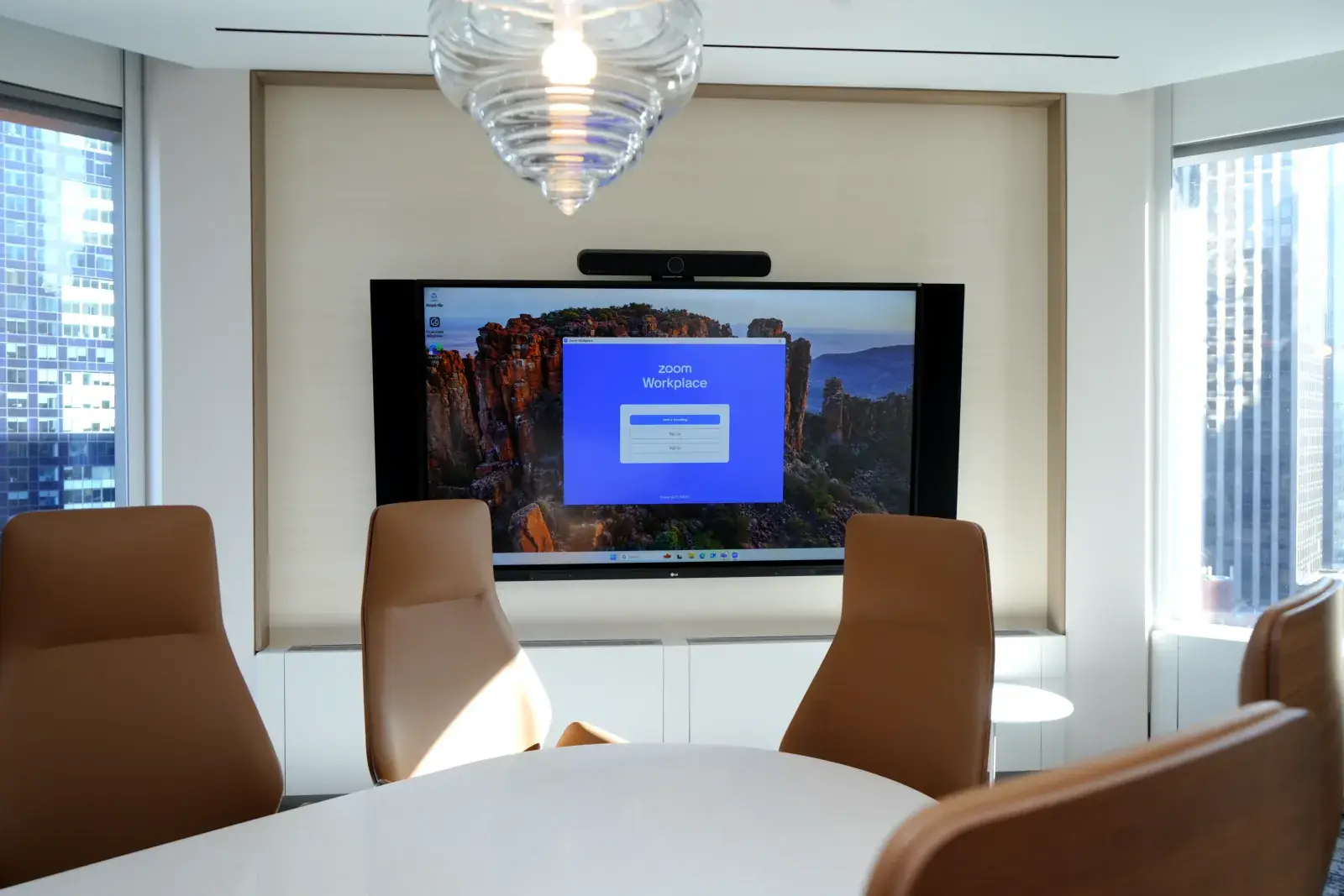
Conference room with a wall display, video bar and meeting tableCONFERENCEOct 19, 2026

Conference Room AV Equipment: What Every Meeting Room Needs

Conference room AV equipment comes down to six parts: a display, a camera, microphones, speakers, a way to share and control content, and the network that ties it together. The right type and size of each depends on how big the room is and how people actually use it.

Bryant VasquezBryant VasquezChief Technology Officer at DISTRead article
Padlock over a digital background representing web application securitySECURITYOct 22, 2026

Critical PHP Vulnerabilities Disclosed: What Your Business Needs to Do Now

Two critical PHP vulnerabilities disclosed on October 21, 2026 (CVE-2026-109618 and CVE-2026-109619) could let attackers execute code remotely on vulnerable servers. Here is what they mean for your business and the steps to take now.

Dylan BrinkDylan BrinkDirector of Managed Security & AI at DISTRead article
 A conference room showing wireless microphones on the top.AUDIO/VISUALJan 13, 2026

6 Ways Wireless Conference Microphones Improve Meetings in South Florida in2026

Explore 6 ways wireless conference microphones improve audio, mobility, and professionalism in South Florida offices.

Ryan HadleyRyan HadleyLV Project Designer/ Programmer at DISTRead article
DIST

Design, Installation, Support and Technology — integrated AV, IT and security solutions for businesses.

Audiovisual

  • Conference Room AV
  • Video Systems
  • Audio Systems
  • Control & Automation

IT & Security

  • Managed IT Services
  • Microsoft 365
  • Cloud Solutions
  • CCTV & Surveillance
  • Access Control

Company

  • About
  • Projects
  • Contact
  • Client information
  • Vendor information

Contact

  • (212) 206-0794
  • [email protected]
  • Mon–Fri 8:00 AM – 5:00 PM
  • 24/7 Help Desk Support
Ask AI about DISTGet an independent summary of who we are and what we do.
  • ChatGPT
  • Claude
  • Perplexity
  • Google AI
  • Grok
© 2026 DIST. All rights reserved.
  • Privacy Policy
  • Sitemap
Start a projectCall (212) 206-0794Email [email protected]