

Bryant Vasquez
Chief Technology Officer at Support305
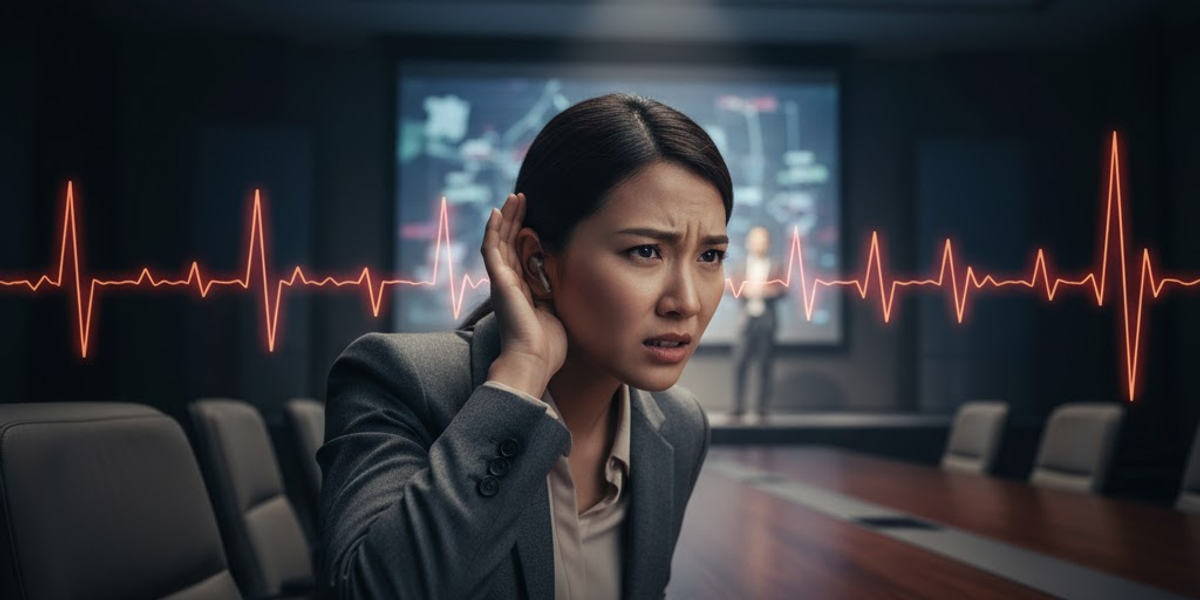
Walking into a conference event for the first time can feel overwhelming. Attendees are unsure where to go, what to expect, and are hoping for a smooth, engaging experience.
Technical issues like poor audio, echoing microphones, or blurry screens create immediate frustration. These problems are often invisible to seasoned attendees but become a real barrier for newcomers. If visitors cannot hear or see clearly, they may decide not to return before even leaving the venue.
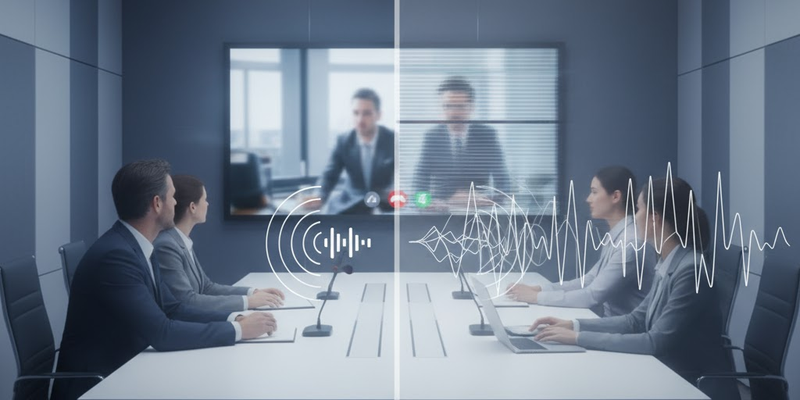
Feedback, Echo, and Volume Issues
Dead Zones
Microphone Failures
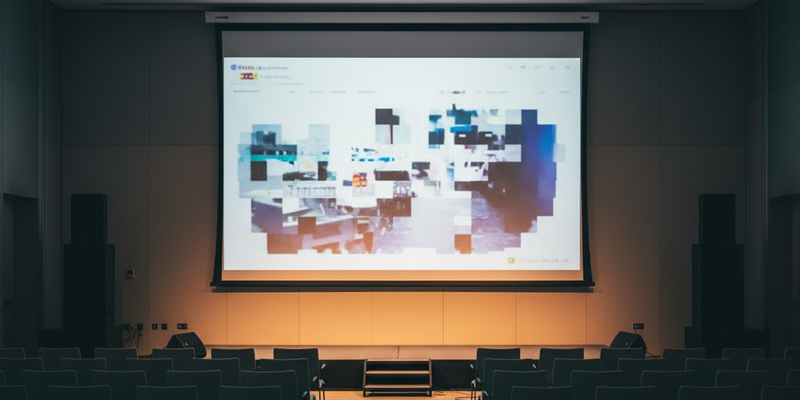
Video Display Mistakes
Setup Errors
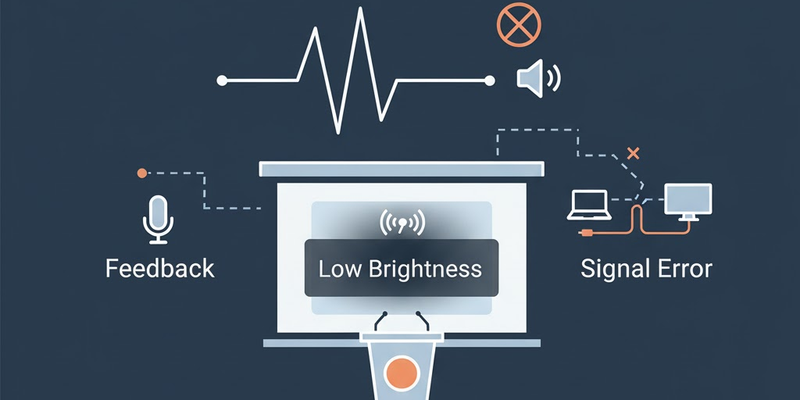
Sound Adjustments
Video Improvements
Checklists and Protocols
Equipment Upgrades
Volunteer Training
Maintenance and Backup Plans
Technical issues can make or break first impressions at your conference events. Poor audio, blurry visuals, and failing equipment distract visitors and reduce engagement.
By testing systems, training staff, upgrading equipment, and maintaining backups, you create a seamless, professional experience that keeps first-time visitors returning.
Contact Support305 today for expert consultation on conference room audio-visual systems and event optimization.
Discover more insights and tips from our latest articles
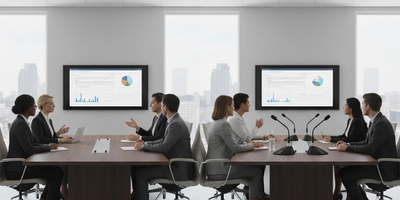
Choosing between ceiling and table microphones affects meeting quality and room aesthetics. Learn which setup works best for your conference room based on layout, acoustics, and collaboration style.

Audio Engineer & Account Executive at Support305
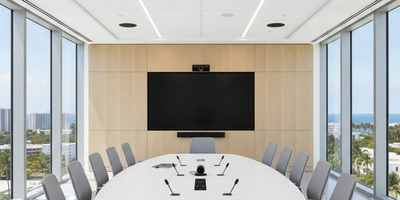
Professional display installation improves safety, clarity, and meeting room performance.

LV Project Designer/ Programmer at Support305
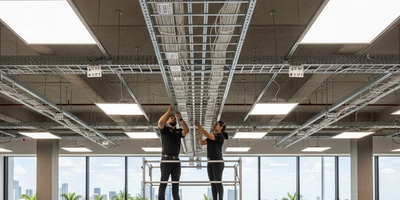
Expanding without structured cabling leads to slow networks and unstable systems. Learn why South Florida offices need organized cabling before adding new rooms, teams, or technology.

Chief Technology Officer at Support305