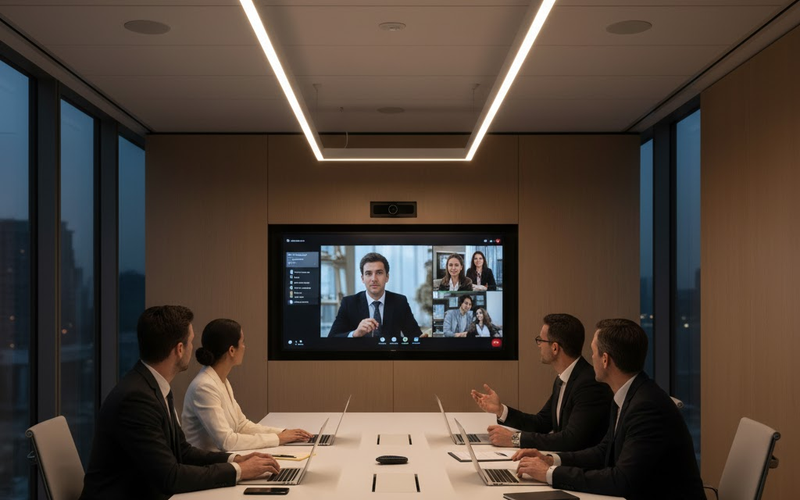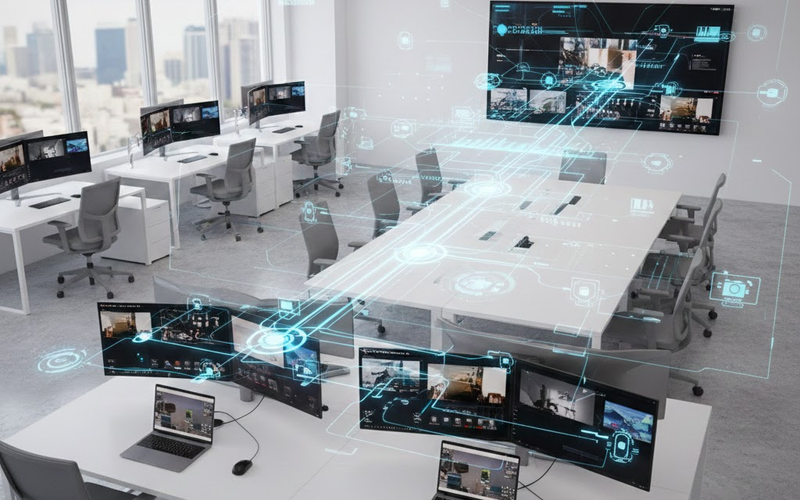
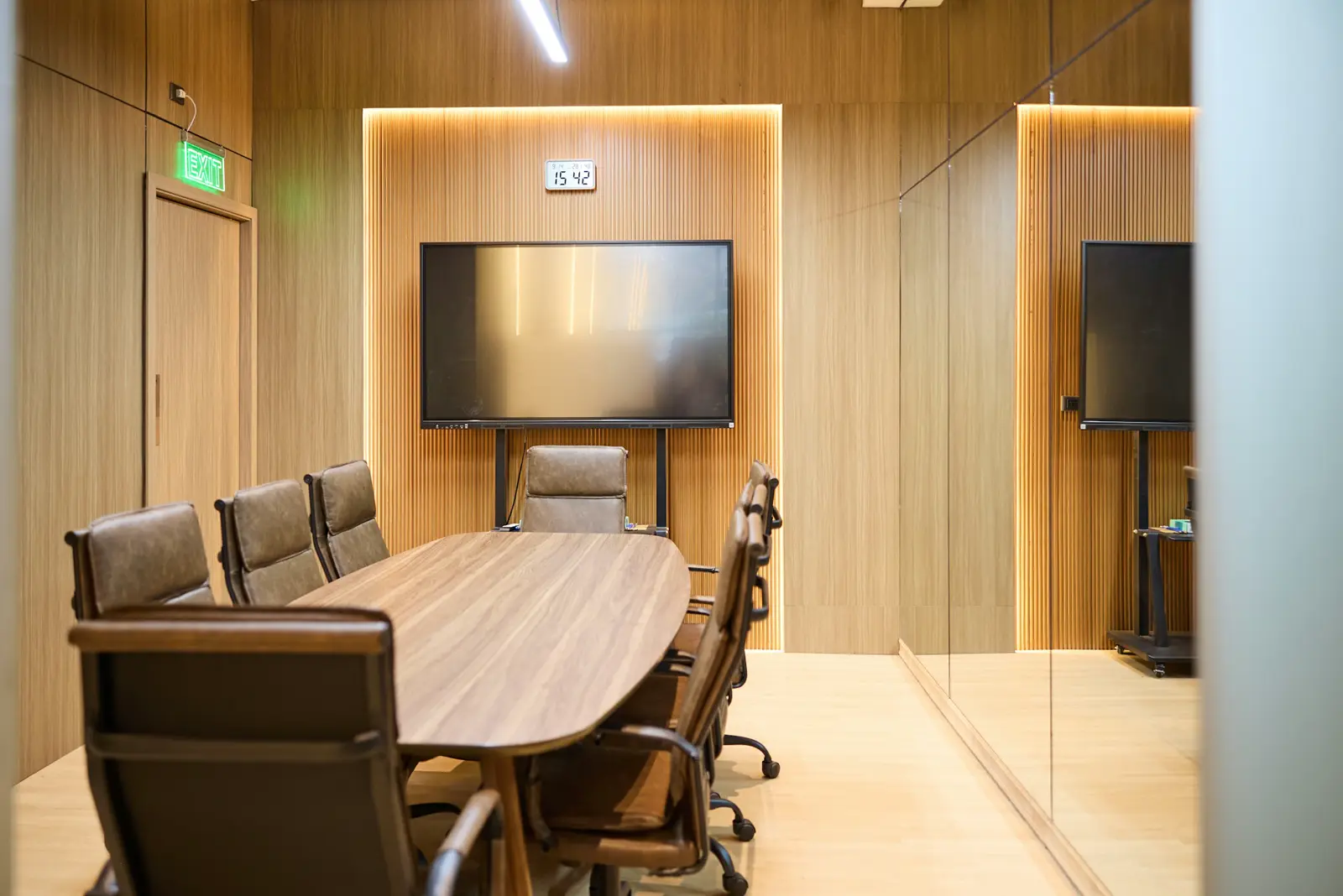

Most companies do not modernize a conference room until it fails in front of a client: the far end cannot hear, the camera shows half the table, or the room system stops updating. That is the point where audio visual integration New York businesses rely on earns its keep, because the room is redesigned as one system instead of patched one device at a time.
This guide covers how to tell a room is outdated, what can be reused, what changed for Microsoft Teams Rooms, how to size displays and what drives the cost of an upgrade.
Key takeaways
- Outdated rooms usually fail on audio first, then camera coverage and display size.
- Microsoft ended Teams Rooms support on Windows 10 on October 14, 2025, so check every room device.
- Teams Rooms Basic covers up to 25 rooms; larger estates and advanced features need Teams Rooms Pro.
- Size displays with AVIXA's DISCAS method, based on the farthest seat and the content shown.
- Reuse furniture, blocking and tested cabling where you can to control upgrade cost.
How do you know a conference room is outdated?
A conference room is outdated when people work around it instead of with it. Common signs are remote attendees who cannot hear people at the far end of the table, a camera that frames only part of the room, a drawer full of laptop adapters, and a room system that no longer receives software updates.
- Audio complaints from remote participants, especially about people seated far from the microphone.
- A fixed camera that cannot frame the whole table or follow whoever is speaking.
- A display too small for the back row, so people lean in or read the content on their own laptops.
- An adapter drawer that grows every time a new laptop model arrives.
- Software that has stopped updating, which is both a usability problem and a security problem.
Our post on common conference room technology mistakes covers the design errors behind many of these problems.
What is audio visual integration?
Audio visual integration is the design, installation and configuration of displays, cameras, microphones, speakers, control systems and the network behind them so they work as one system. An audio visual company that integrates, rather than only installs, is responsible for how the whole room performs, not just whether each device powers on.
That difference matters in an upgrade. Replacing a camera alone can make an echo problem more noticeable if the audio processing is not retuned. A new display can expose a source that only outputs low resolution. Integration means checking how each change affects the rest of the room before anything is ordered. For a fuller definition, see what audio visual integration covers.
Can you upgrade a conference room without replacing everything?
Often, yes. Furniture, wall blocking, conduit and good network cabling can usually stay. What typically changes is the conferencing hardware, the microphones and audio processing, sometimes the display, and the control interface. A survey of the existing room decides which parts are sound and which are holding the room back.
Cabling is the part most worth checking before deciding. Modern room systems, cameras and touch panels usually connect over the network, and Leviton's cabling guide summarizes the TIA and ISO limit for copper as a 100-meter channel with a 90-meter permanent link. An existing run from a distant IT closet may need rerouting, and certified test results from the original install, if they exist, save time here.
What changed for Microsoft Teams Rooms after Windows 10 support ended?
Microsoft ended support for Teams Rooms on Windows 10 on October 14, 2025. Devices still running Windows 10 no longer receive security or feature updates, and Microsoft no longer updates, supports or tests the Teams Rooms app on them. Rooms installed several years ago are the ones most likely to be affected.

According to Microsoft's Teams Rooms lifecycle page, most Teams Rooms devices running Windows 10 were upgraded to Windows 11 automatically, but some certified devices cannot run Windows 11 and need to be replaced. Microsoft also states that Teams Rooms does not support devices placed on Windows 10 Extended Security Updates. It points admins to the Pro Management Portal room inventory export or the Windows 11 readiness checker to find devices that need action.
Which Teams Rooms license does a modernized room need?
Every Teams Rooms system needs either a Teams Rooms Basic or a Teams Rooms Pro license. Basic covers core meeting features for up to 25 rooms in an organization. Pro adds advanced audio and video features, dual-screen support and remote management, and any rooms beyond the first 25 must use Pro.
- Teams Rooms Basic: scheduling, joining meetings, content sharing and whiteboarding at no additional cost with a certified room system, per Microsoft's licensing page, limited to 25 rooms per organization.
- Teams Rooms Pro: adds features such as multi-camera support, AI noise suppression, front row and large gallery layouts, dual screens, and the Pro Management Portal for remote monitoring and device analytics.
The license choice shapes the hardware choice. A dual-display boardroom or a multi-camera room only makes sense with Pro, so decide licensing during design rather than after the equipment arrives.
How big should the display be in a modern conference room?
The display should be sized so the person in the farthest seat can read the smallest content that matters, such as spreadsheet text. AVIXA's display image size standard, known as DISCAS, sets out how to calculate minimum image size from viewing distance and content type, for new rooms and existing ones alike.
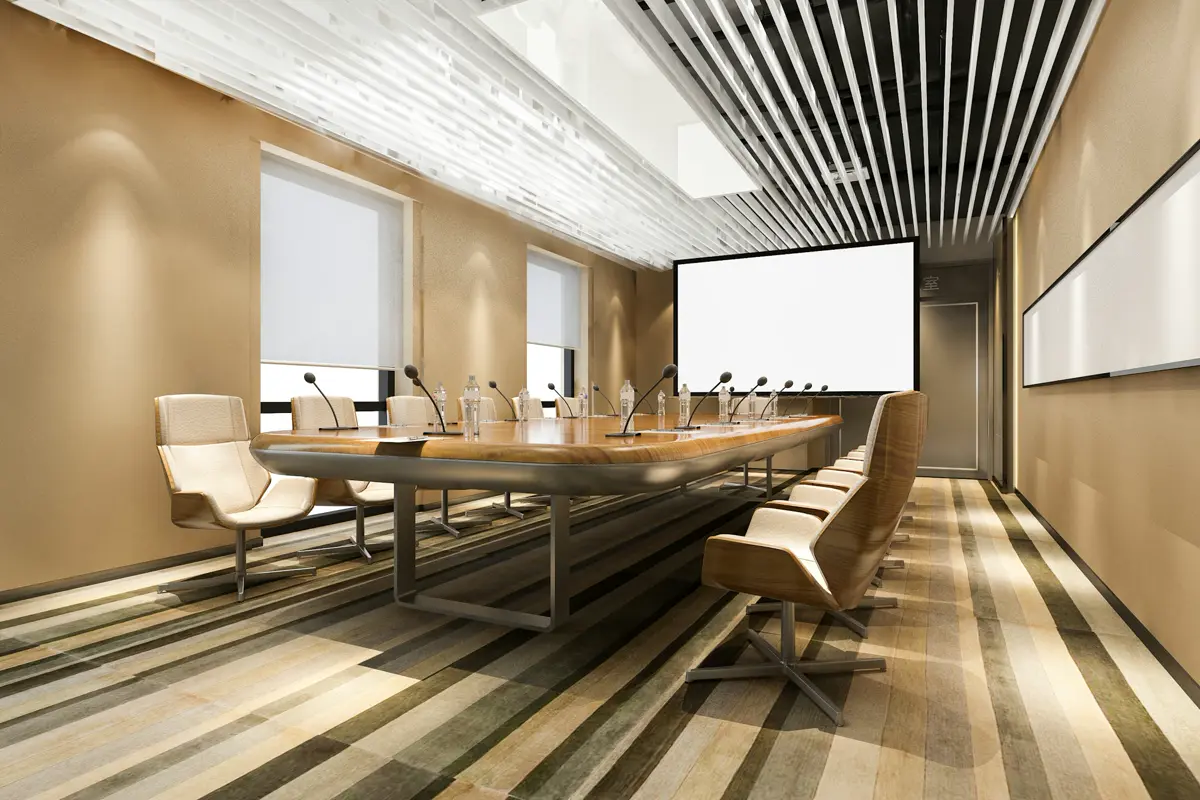
AVIXA's DISCAS standard can be applied from drawings or by assessing the room itself, and AVIXA offers a free online calculator for conformance. In older rooms, that check often shows the original display is too small for detailed work. If a larger panel will not fit the wall, a dual-display layout or a different seating plan may solve the problem better than the biggest single screen available.
What does a modern conference room look like?
A modern conference room lets anyone start a meeting with one touch, frames everyone in the room automatically, picks up voices evenly from every seat and shows content large enough for the back row. Behind the walls, the equipment is racked, labeled and managed remotely, so problems can be spotted before the next meeting starts.
DIST's work at 3 Times Square in Manhattan shows the pieces together. The project included conference room technology with AI-powered camera systems, Sony projectors with professional screens, high-fidelity speakers, Zoom video bars in the conference rooms and enterprise-grade network infrastructure, all tied together in an equipment rack. Different rooms got different hardware, but they share one network and one support model.
What does audio visual integration cost in New York?
Cost depends on room size, how much existing infrastructure can be reused, the conferencing platform and licensing, the number of displays and microphones, and building conditions such as after-hours work rules. A fixed price without a site survey is a guess. A good proposal itemizes hardware, labor, programming and support separately.
When you compare proposals, look for:
- Itemized hardware and labor, so quotes can be compared line by line.
- Programming and testing, including who tunes the audio processing for the room.
- Licensing shown as a recurring cost, such as Teams Rooms Pro, separate from the one-time project price.
- Support terms after handover, including response times and who monitors the rooms.
If you want a survey of your rooms, contact DIST.
About the author: Jose Sala is Audio Engineer & Account Executive at DIST, where he works with businesses on the audio and AV systems in their meeting spaces.
Is a conference room holding your team back? Ask DIST for a room survey and a modernization plan that reuses what still works. Call DIST: Miami (305) 222-7711 · New York (212) 206-0794.
Frequently asked questions
How long does a conference room upgrade take?
A single room where cabling and furniture stay can often be upgraded with limited downtime, while rooms that need new cabling, power or wall work take longer. The schedule depends on equipment lead times, building access rules and how many rooms are done together. A site survey gives a realistic timeline for your rooms.
Is audio visual integration different from AV installation?
Yes. AV installation means mounting and connecting equipment. Audio visual integration also covers design, programming, audio tuning, network setup and testing so the room performs as one system. Many businesses looking for an AV installation company in NYC actually need integration, because the problems they want fixed come from how devices work together.
Do we need to replace a Teams Rooms device that runs Windows 10?
If it cannot be upgraded to Windows 11, yes. Microsoft ended Teams Rooms support for Windows 10 on October 14, 2025, and certified devices that cannot run Windows 11 were moved to its end-of-service list. Check each device's operating system version in the Pro Management Portal or with Microsoft's readiness checker.
Can a Microsoft Teams Room join Zoom or Webex meetings?
Yes. Microsoft lists Direct Guest Join for Zoom and Webex meetings as a feature of both Teams Rooms Basic and Teams Rooms Pro licenses. Most companies build the room around the platform they use most, then rely on guest join for meetings that clients or partners host on other platforms.
Should we upgrade all conference rooms at once?
Not necessarily. Many companies start with client-facing rooms or the rooms that host large meetings, then roll the same design out to smaller rooms. Standardizing on one design and one platform still matters, because it keeps training simple and lets IT manage every room the same way, even when the rollout is phased.
How do you size a display for an existing room?
Measure the distance to the farthest seat and decide what content people need to read. AVIXA's DISCAS standard and its free calculator turn those inputs into a minimum image size. If the right size will not fit the wall, consider two displays or a new seating layout rather than accepting an undersized screen.
Sources
- Microsoft Learn: Teams Rooms app and Windows versioning support (learn.microsoft.com)
- Microsoft Learn: Microsoft Teams Rooms licenses (learn.microsoft.com)
- AVIXA: Display Image Size for 2D Content (DISCAS) (avixa.org)
- Leviton Extended Distance Application Guide (TIA/ISO channel limits) (leviton.com)